Reel Studio
Friday Rol’
Record, arrange, and polish short-form videos with your clips, live takes, and brand assets in one reel workspace.
Best for social reels, product clips, and branded video moments.
Three focused workspaces for turning ideas and media into polished creative outputs.
Reel Studio
Record, arrange, and polish short-form videos with your clips, live takes, and brand assets in one reel workspace.
Best for social reels, product clips, and branded video moments.
Clip Studio
Upload long videos and quickly turn the strongest moments into short clips your team can reuse across channels.
Best for podcasts, webinars, demos, meetings, and long videos.
Design Studio
Create polished emails, images, and visual layouts from simple prompts, then refine them inside one clean design space.
Best for campaign emails, branded images, and visual views.
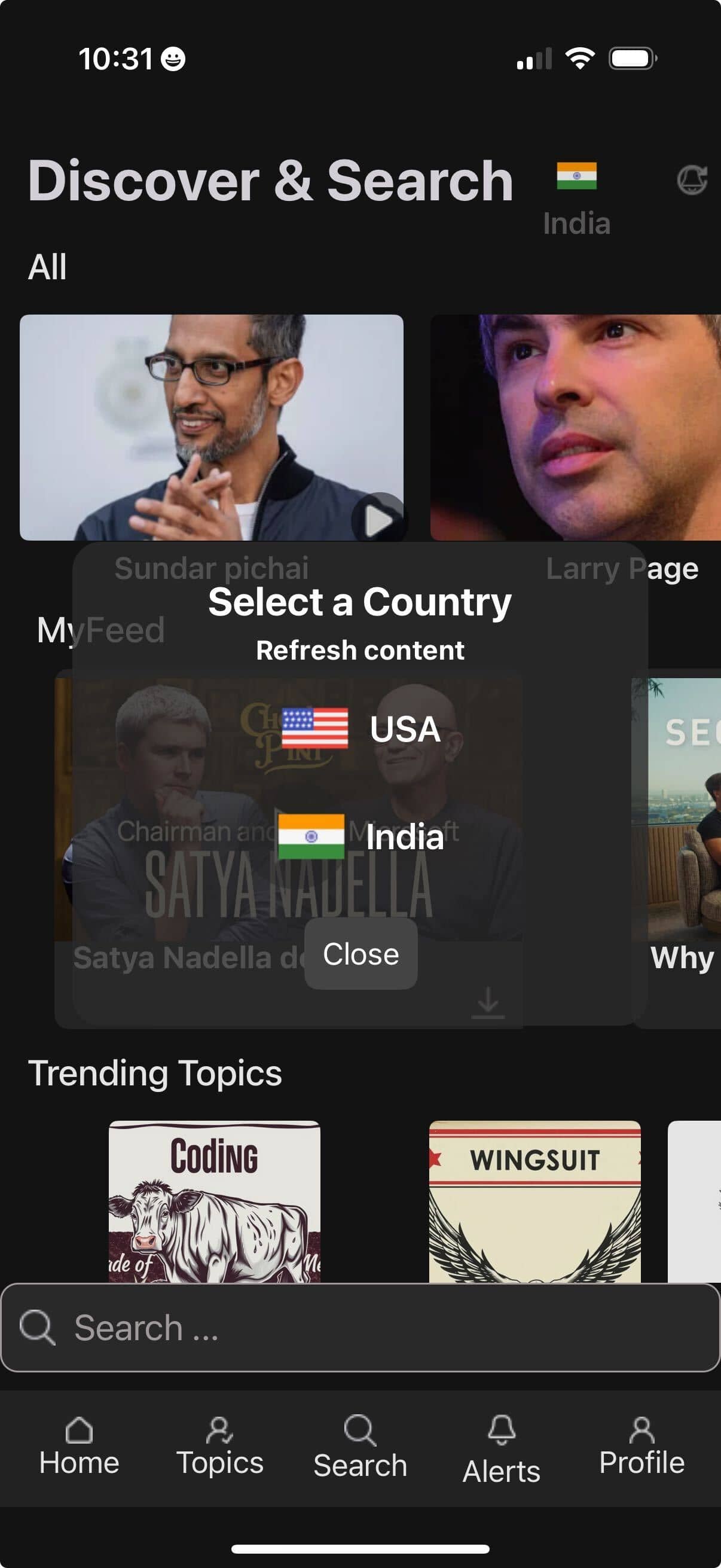
Create once. Reuse across content, design, and social.
Friday Studio turns long-form content into clips, answers, summaries, Q&A, and saved moments — all from one connected workspace.
Friday Studio
Create reusable clips from key moments.
Get the full picture without rewatching.
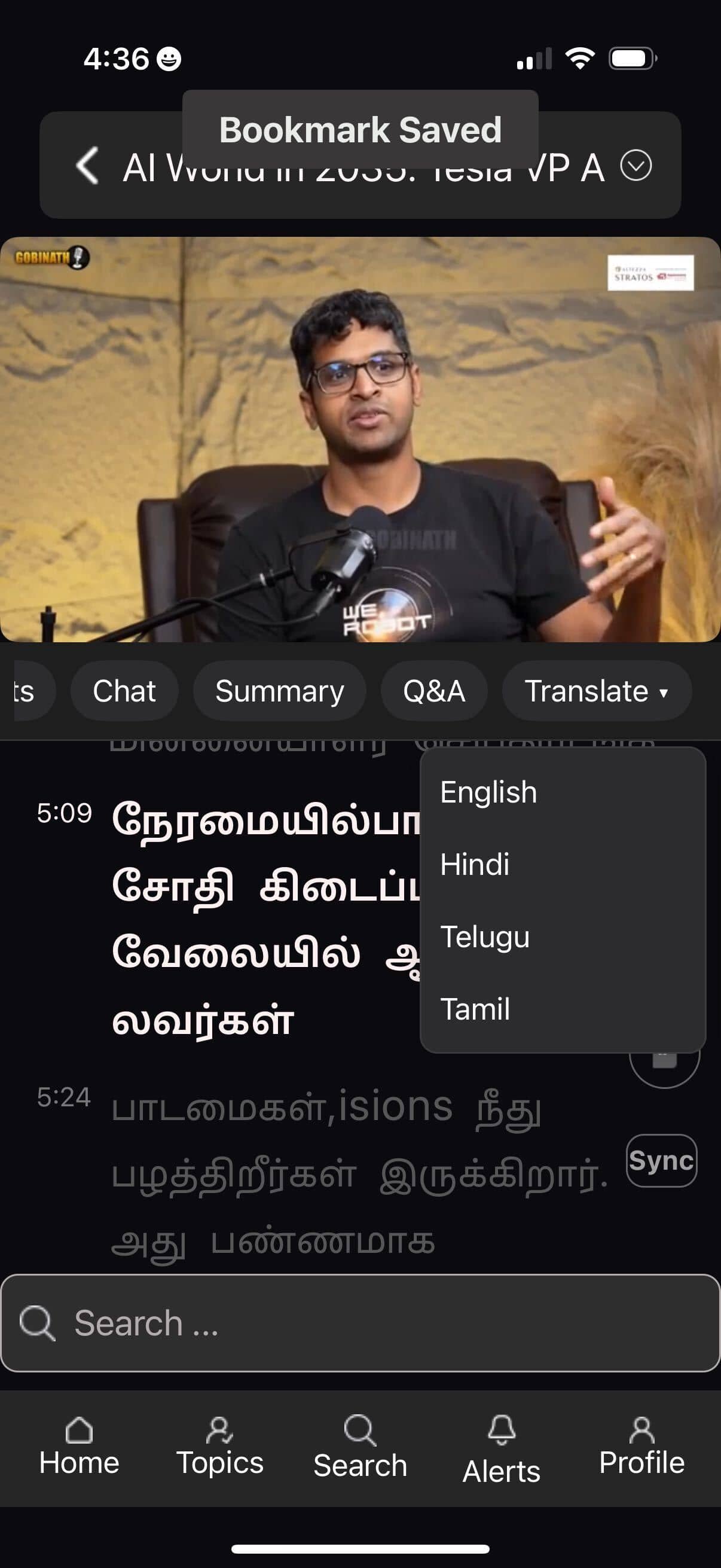
Bookmark insights with timestamp context.
Watch once → reuse the content everywhere

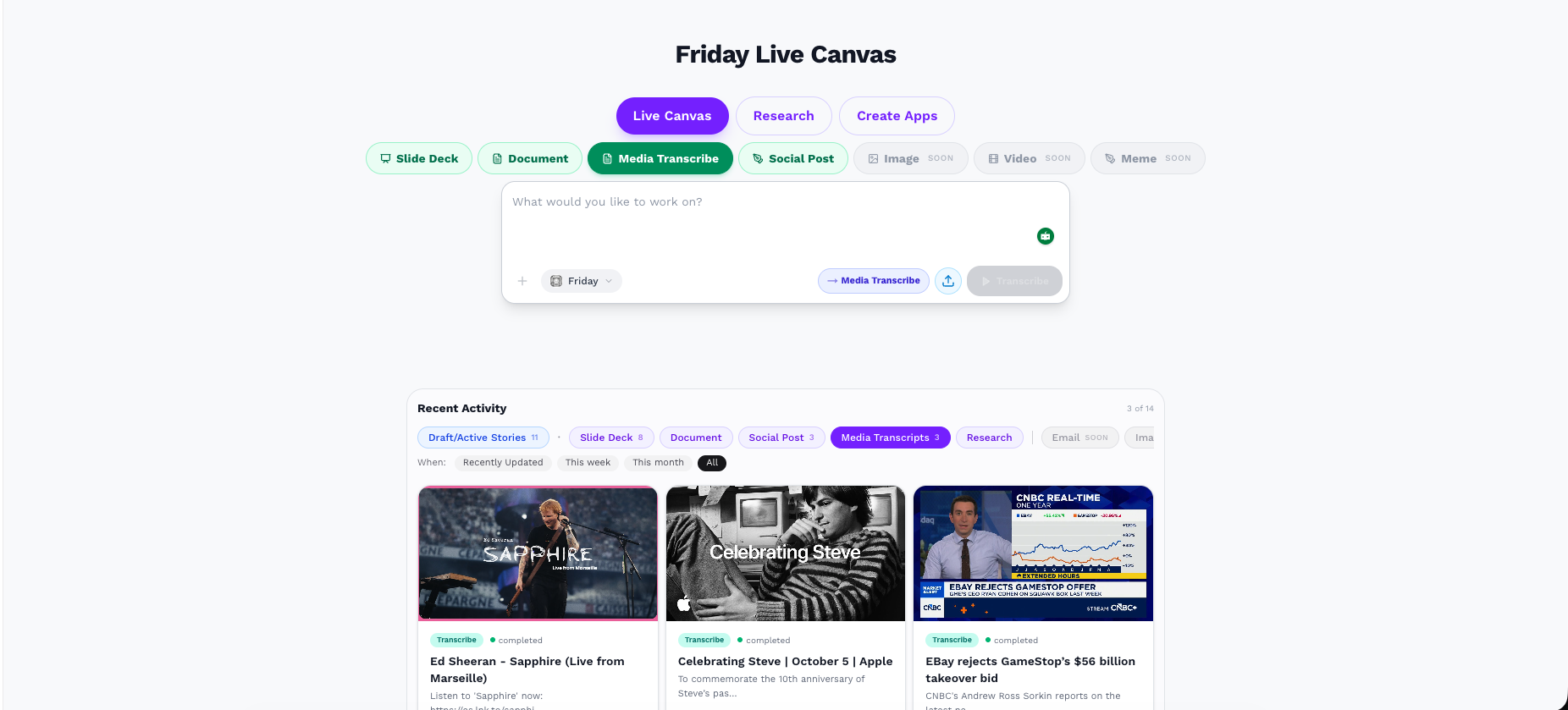
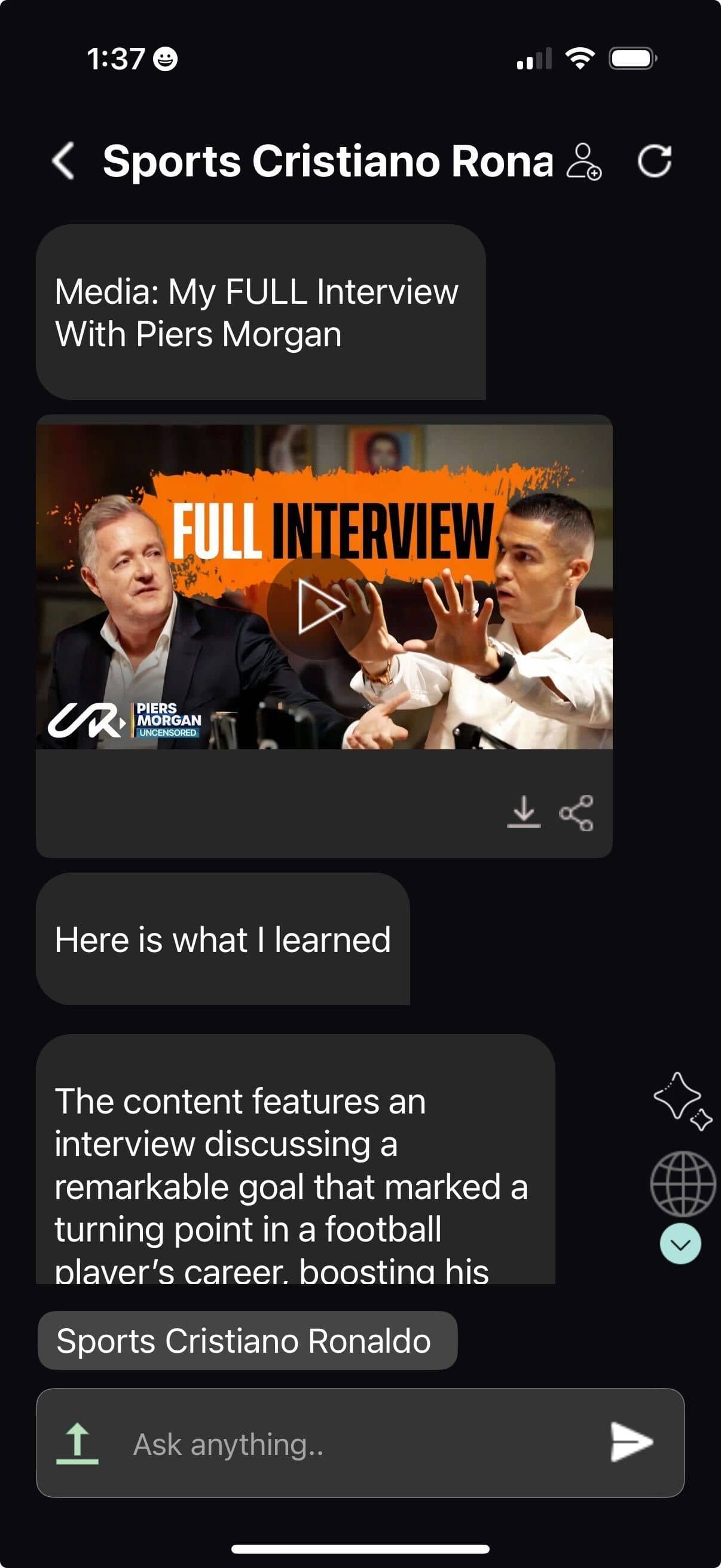
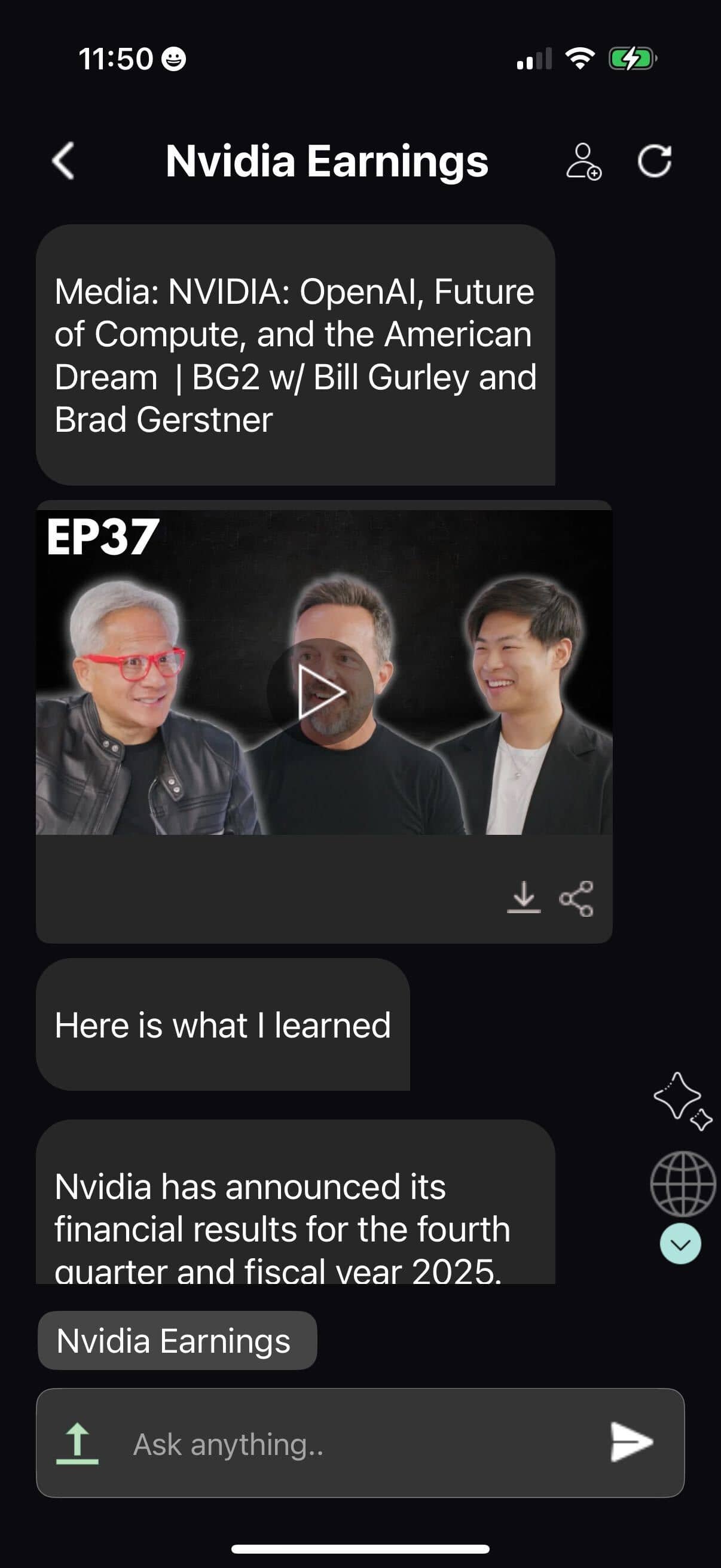
Friday Media Transcribe turns videos, podcasts, meetings, and interviews into transcripts, summaries, clips, and reusable content inside Live Canvas.
Transcribe
Summarize
Reuse
Summon your Agent to curate content, unlock massive leverage, and turn every minute of attention into pure superpower


One-tap any idea and instantly share key moments & clips


Jump straight to the core — instantly grasp the most important ideas, then dive deeper with one tap


Any language, any accent, any medium — instantly decoded with tone, emotion, sarcasm, visuals, humor, scene context, graphs and human nuance.


Turn every match into an insight engine. InspiredOne Sports analyzes games, crowds, fan behavior, narratives, and engagement patterns to help brands, creators, and analysts turn sports moments into momentum.


Turn every market move into an insight engine. Your agents break down earnings, macro events, and investor sentiment — instantly, accurately, and without noise.


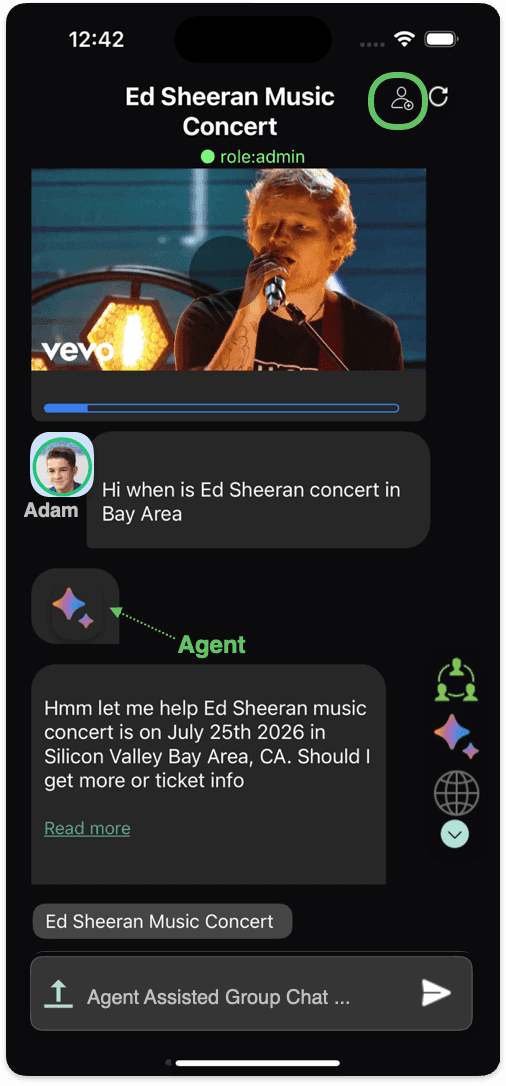
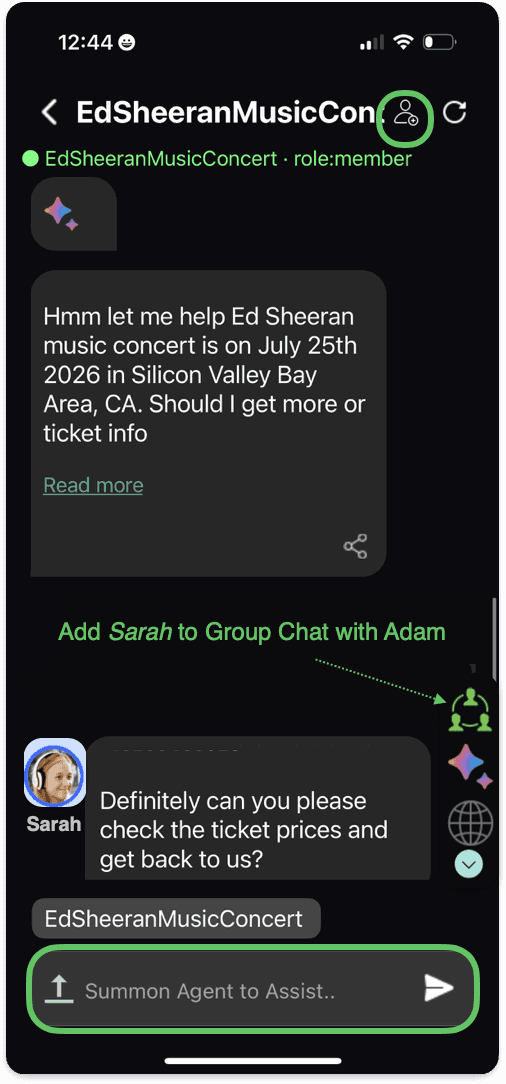
our entire team + every InspiredOne Agent in one unified chat — zero noise, pure intelligence, and conversations that actually move work forward.


Friday Studio helps teams understand long videos faster, extract key insights, create reusable clips, ask contextual questions, and turn content into clear outputs ready for work, sharing, and publishing.
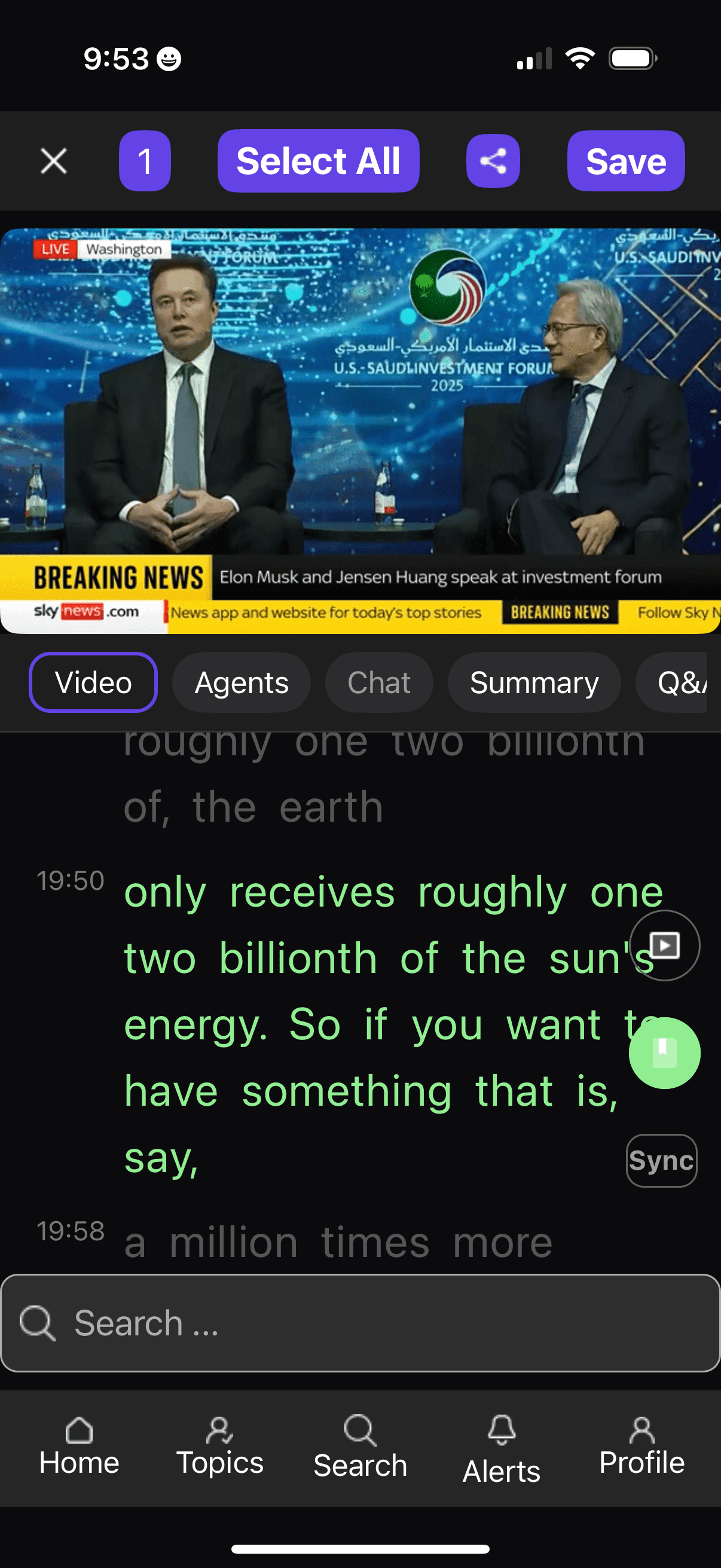
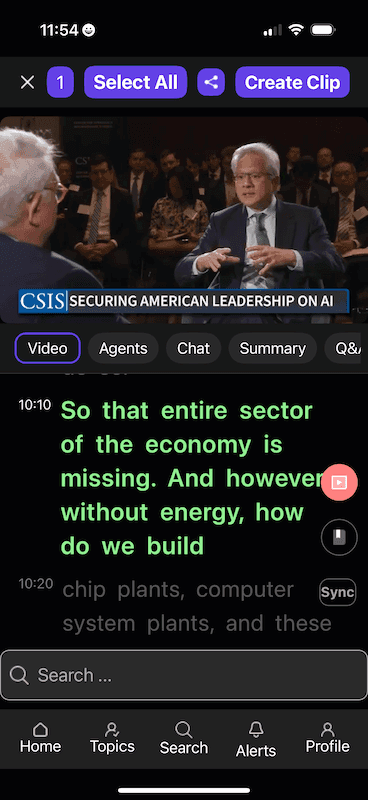
Watch long-form content with transcript context, timestamps, and source-linked navigation so teams can quickly find what matters.
Capture important parts of a video and convert them into reusable clips for campaigns, social posts, summaries, and follow-up work.
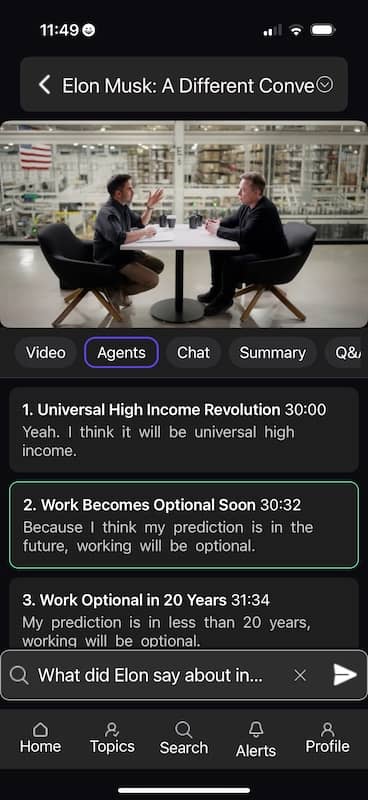
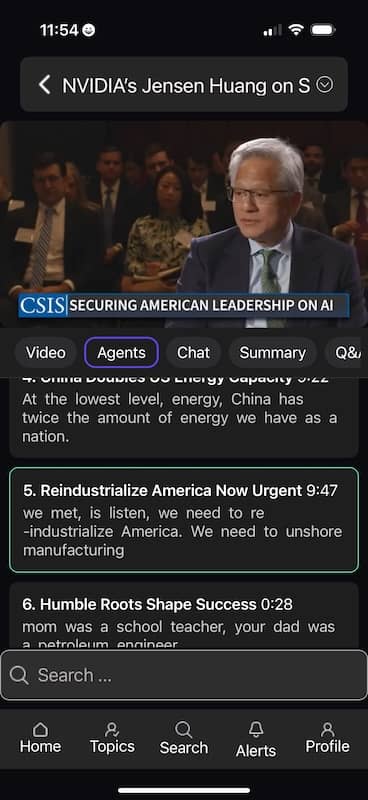
Use agents to identify takeaways, explain complex sections, surface opportunities, and turn video content into clear next actions.
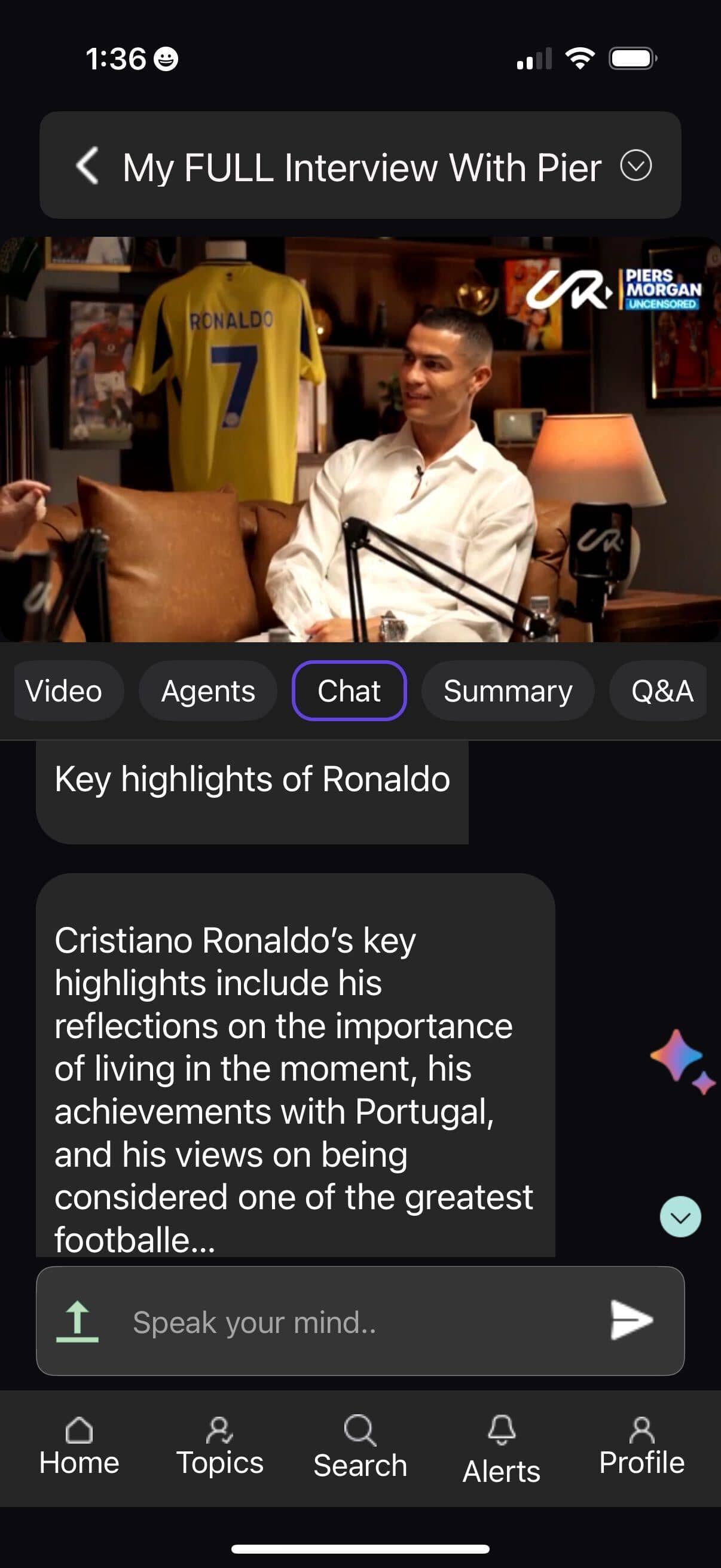
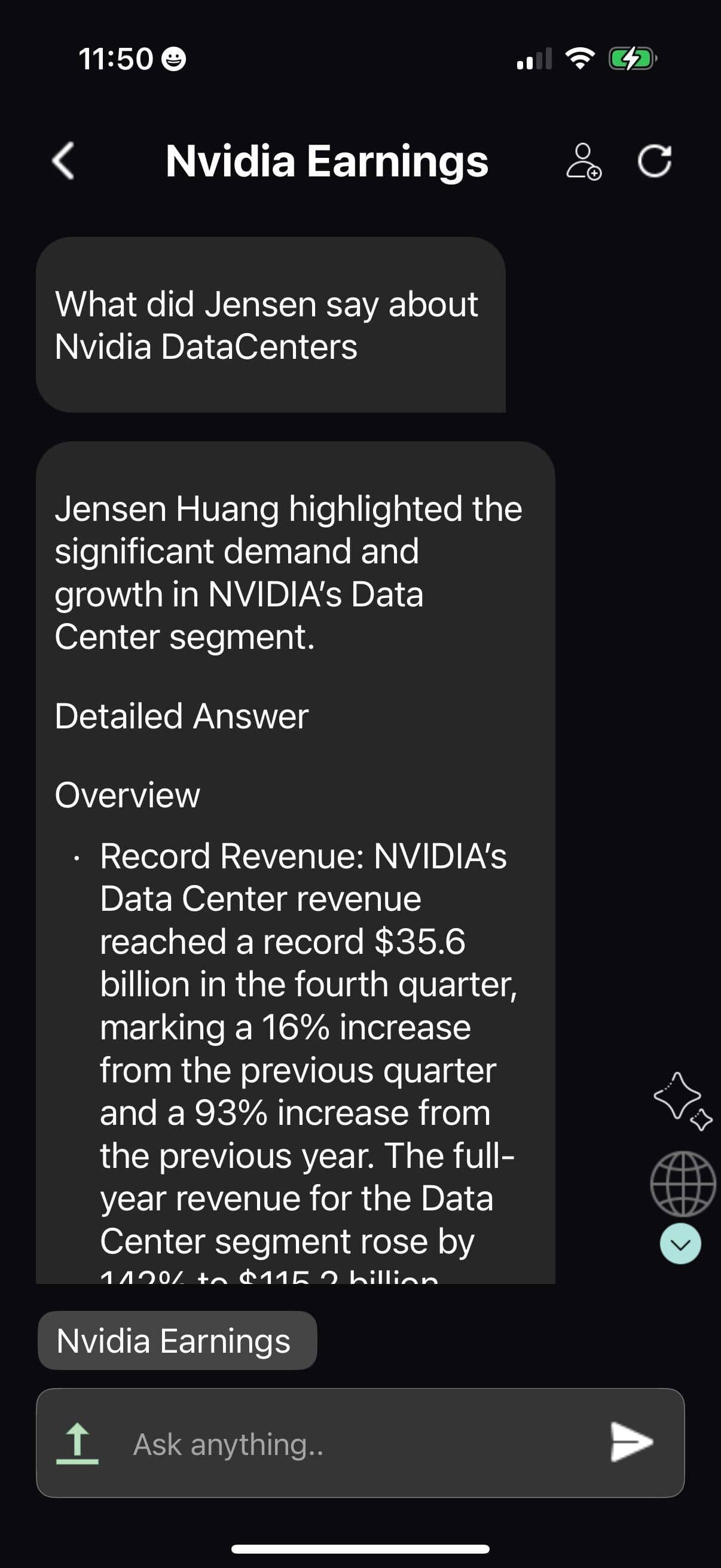
Chat with the video, ask follow-up questions, and get answers grounded in transcript context instead of searching manually.
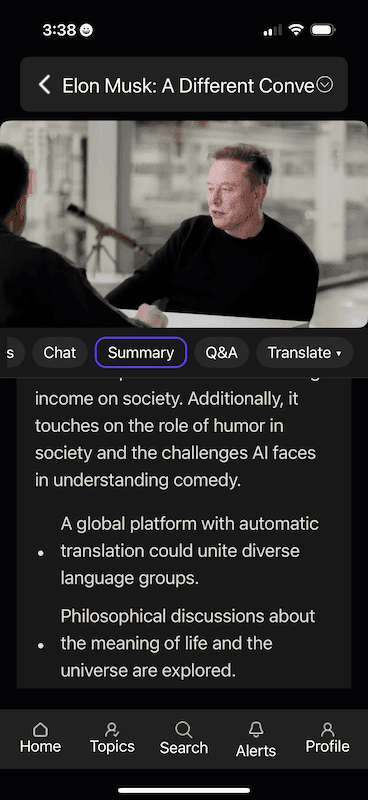
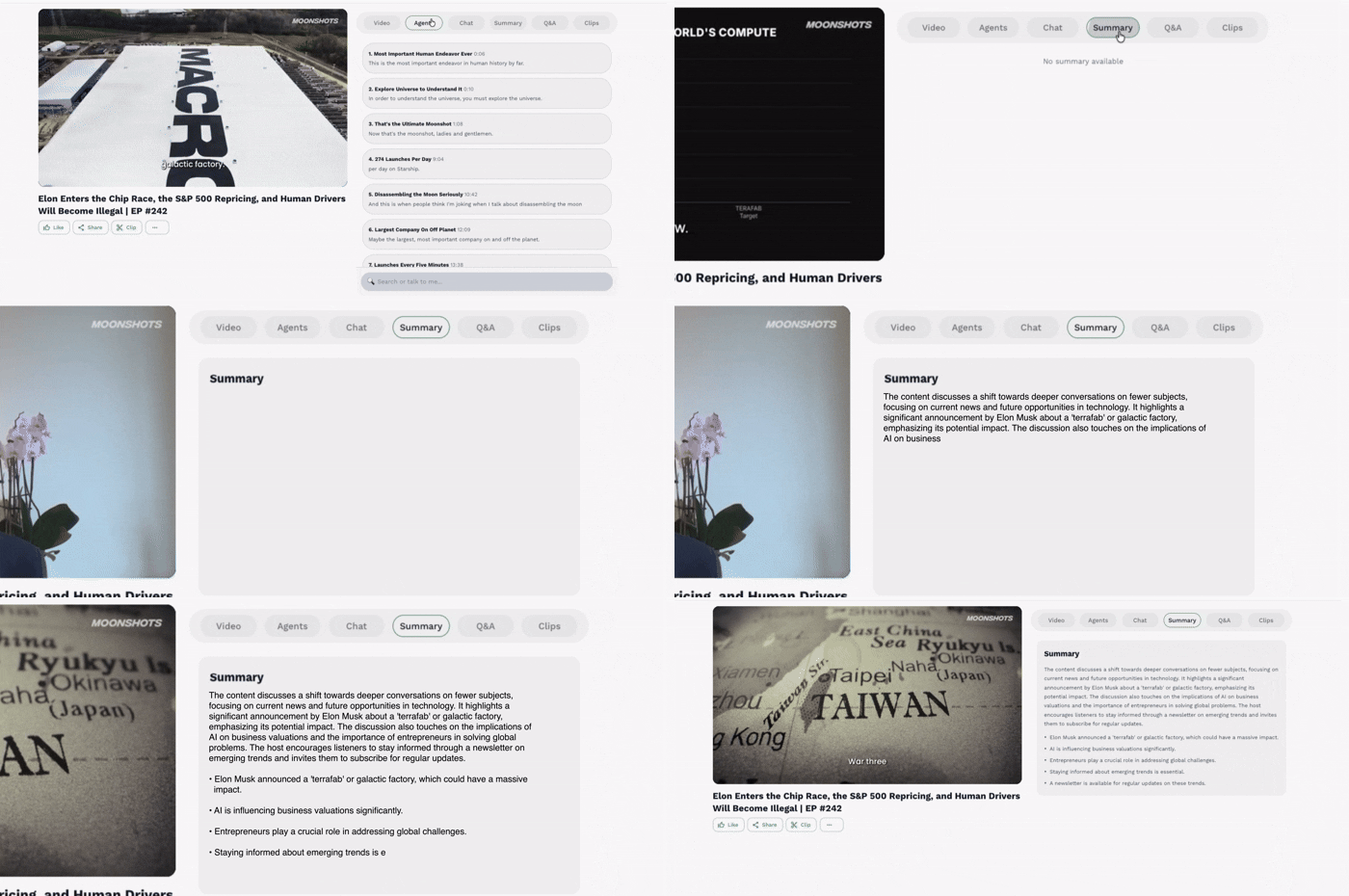
Convert long videos into concise summaries, key points, and review-ready notes that help teams understand content without rewatching.
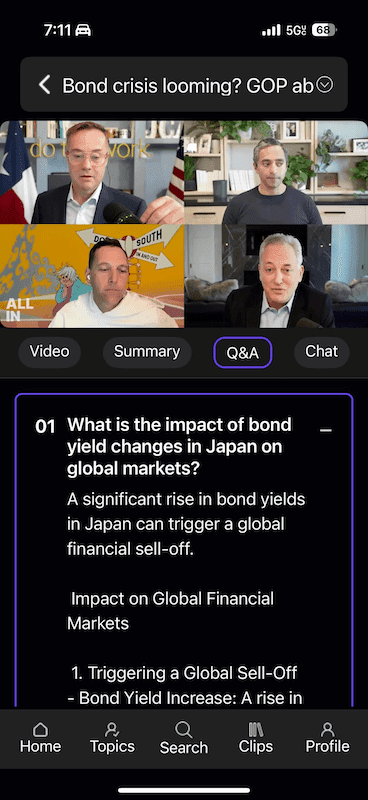
Generate question-and-answer views that help users quickly review important ideas, decisions, and details from the video.
Watch once. Capture key moments. Ask questions. Create reusable clips and clear takeaways instantly.
Turn key moments into short reusable videos.
Get answers from the video and transcript.
Extract clear takeaways without rewatching.
Friday Studio Preview
The Video tab helps teams watch long-form content, follow transcript context, clip key moments, bookmark important points, and continue into deeper Studio analysis.
Clip key moments
Bookmark important points
Agents mode turns long content into clear insights, explanations, summaries, and next actions so teams can understand faster and act with confidence.
Extract key insights
Summarize what matters
Move to next actions
Studio Chat lets teams ask questions directly against the video and transcript, get clear answers, and continue with follow-ups without losing context.
Ask in context
Clarify key moments
Follow up naturally

Summary mode gives teams the main ideas, important points, and reusable notes from long videos so they can review faster and act with clarity.
Clear takeaways
Faster review
Reusable notes
Q&A mode turns long videos into structured questions and concise answers so teams can review faster, clarify details, and understand what matters.
Review key questions
Find answers faster
Understand with clarity
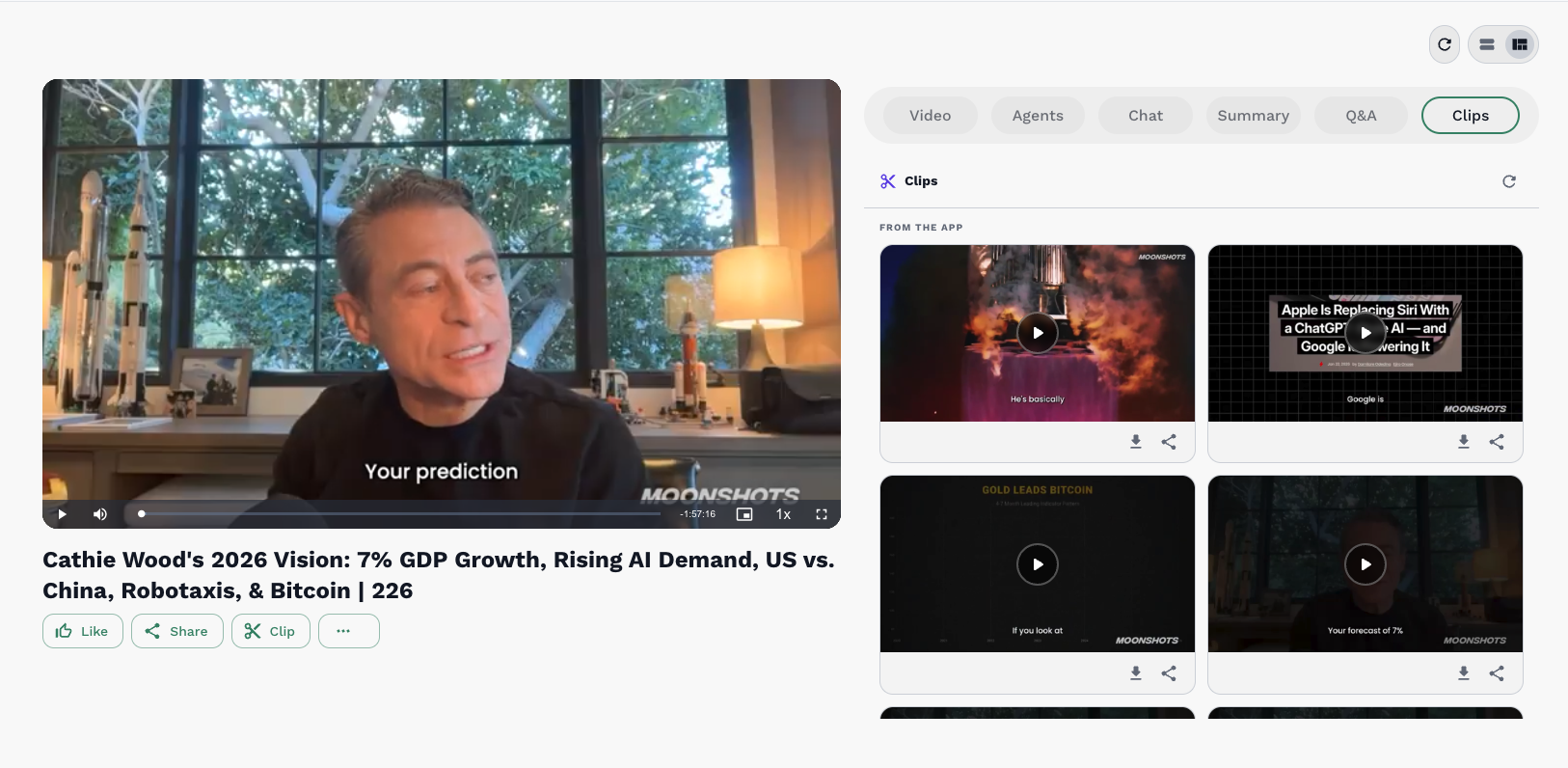
Clips mode helps teams capture the strongest moments from long videos and turn them into ready-to-download assets for social, campaigns, and internal sharing.
Cut key moments
Download ready clips
Share across channels

Create social posts from media transcripts
Friday turns media transcripts into ready-to-share posts, threads, and captions you can review, copy, and publish faster.
Generate
Review
Copy
Generate Posts
Convert transcripts into captions, posts, and content ideas.
Review & Share
Review, copy, and publish content faster across channels.