Stock Analysis Live App

A live investor workspace for stocks, trends, portfolios, and alerts

Give investors one clear dashboard to monitor watchlists, follow market trends, review portfolio context, track alerts, and stay updated with relevant market news.

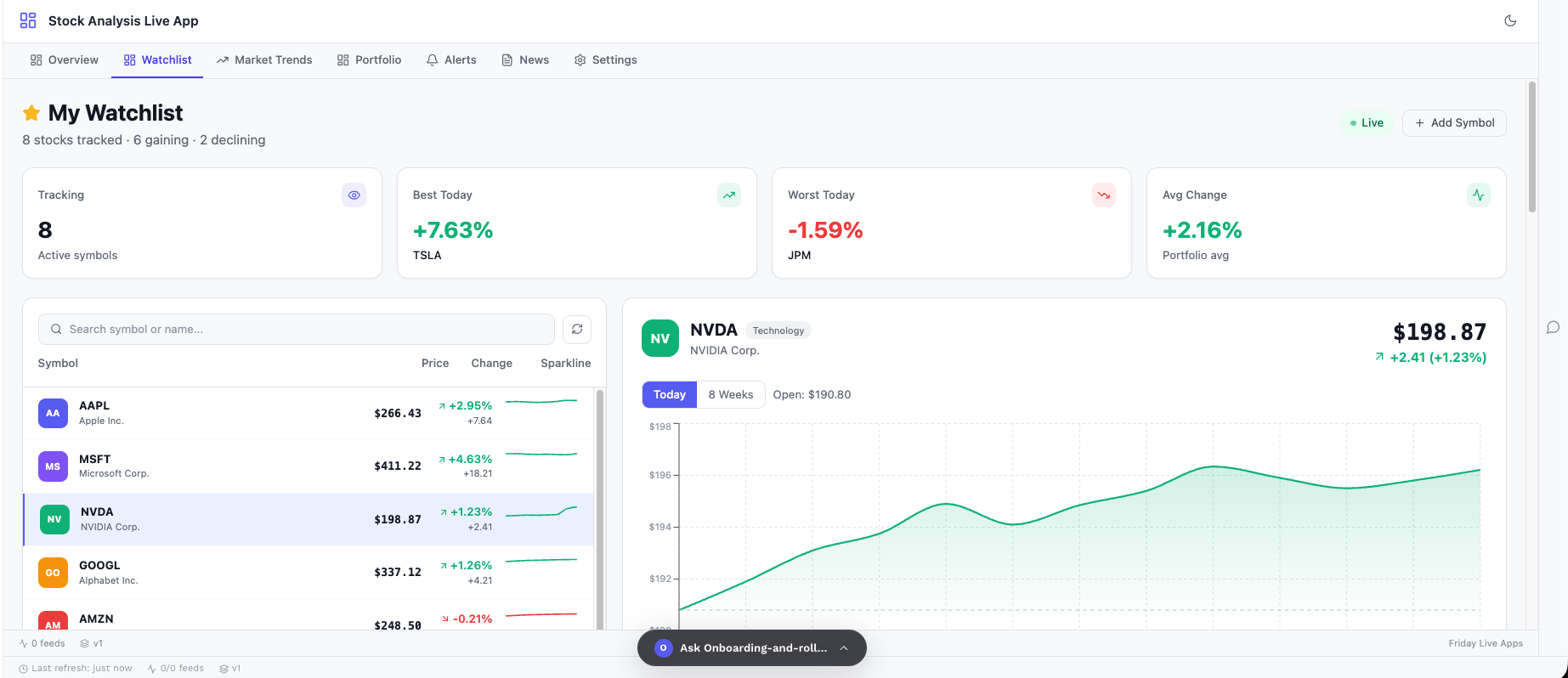
Watchlist

Track the stocks and symbols investors care about most.

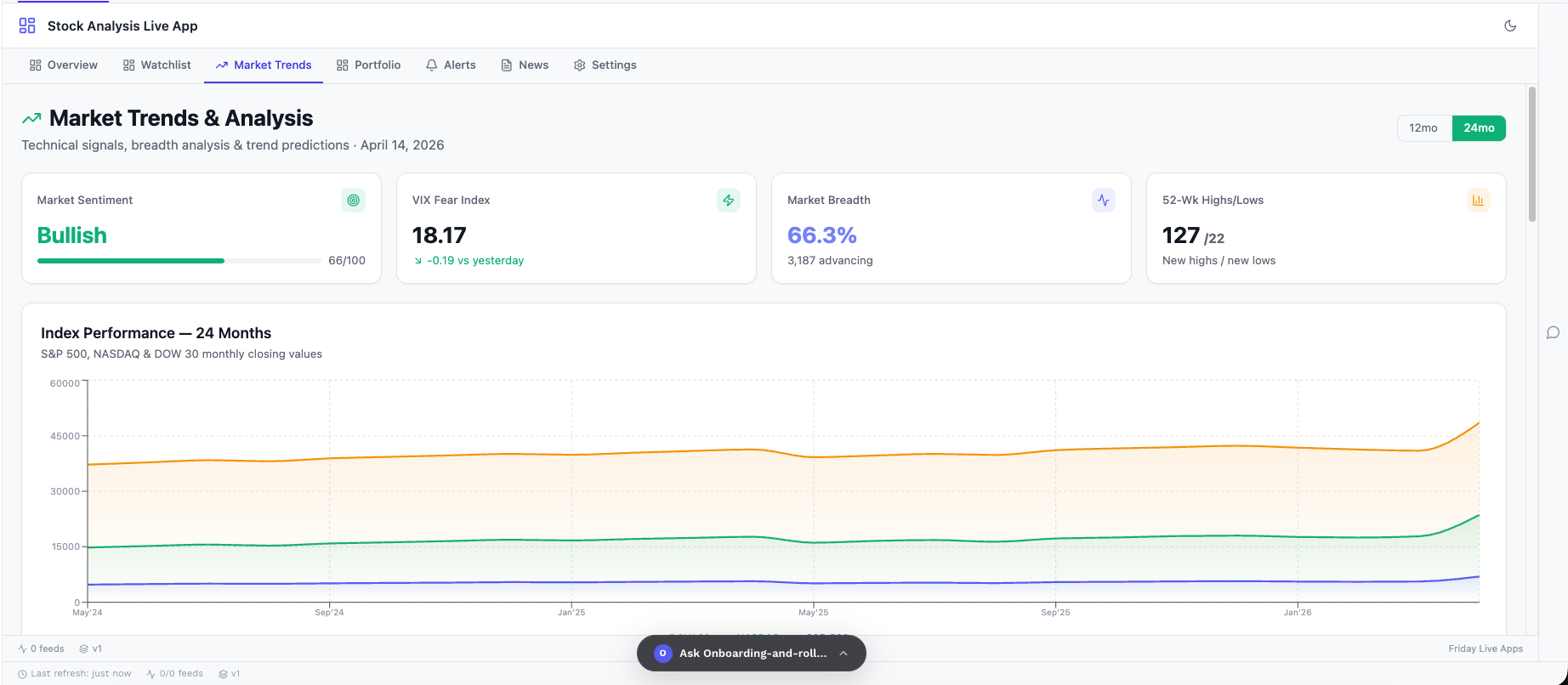
Market Trends

Understand sector movement, momentum, and market direction.

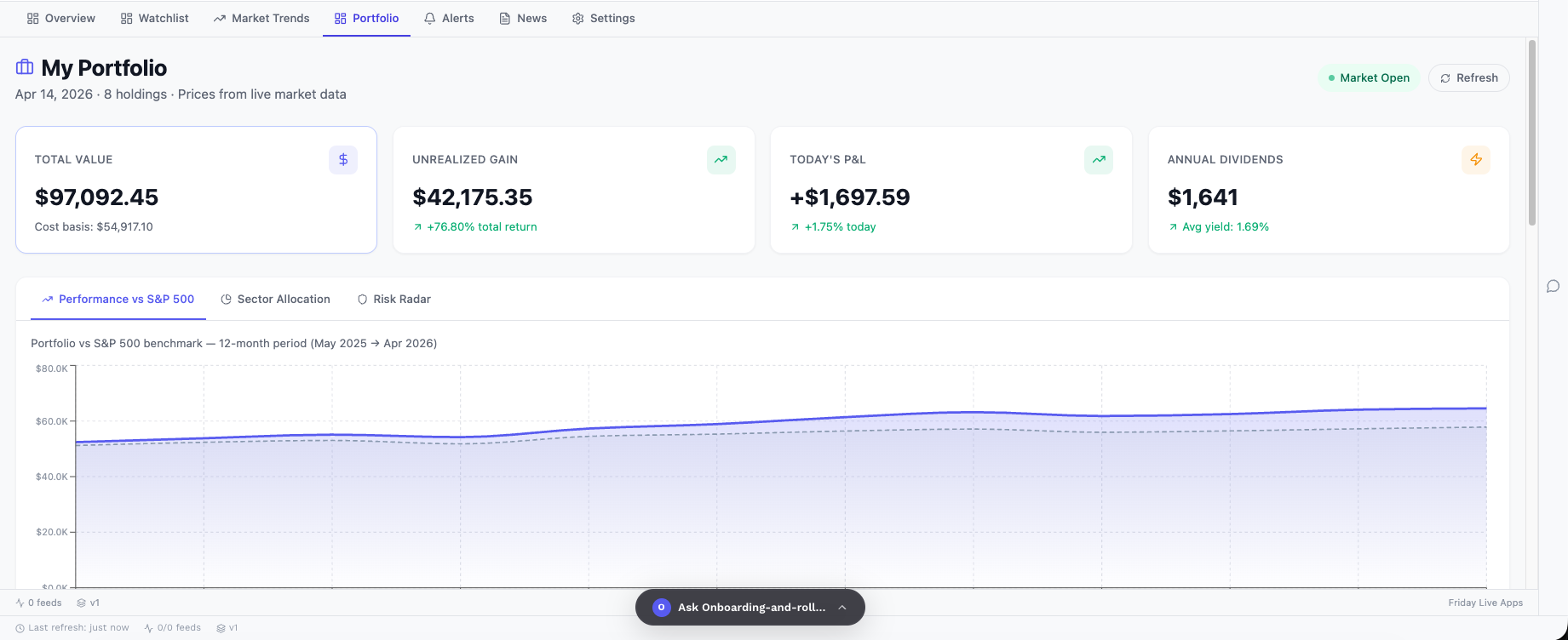
Portfolio

Keep holdings, exposure, and performance context in one view.

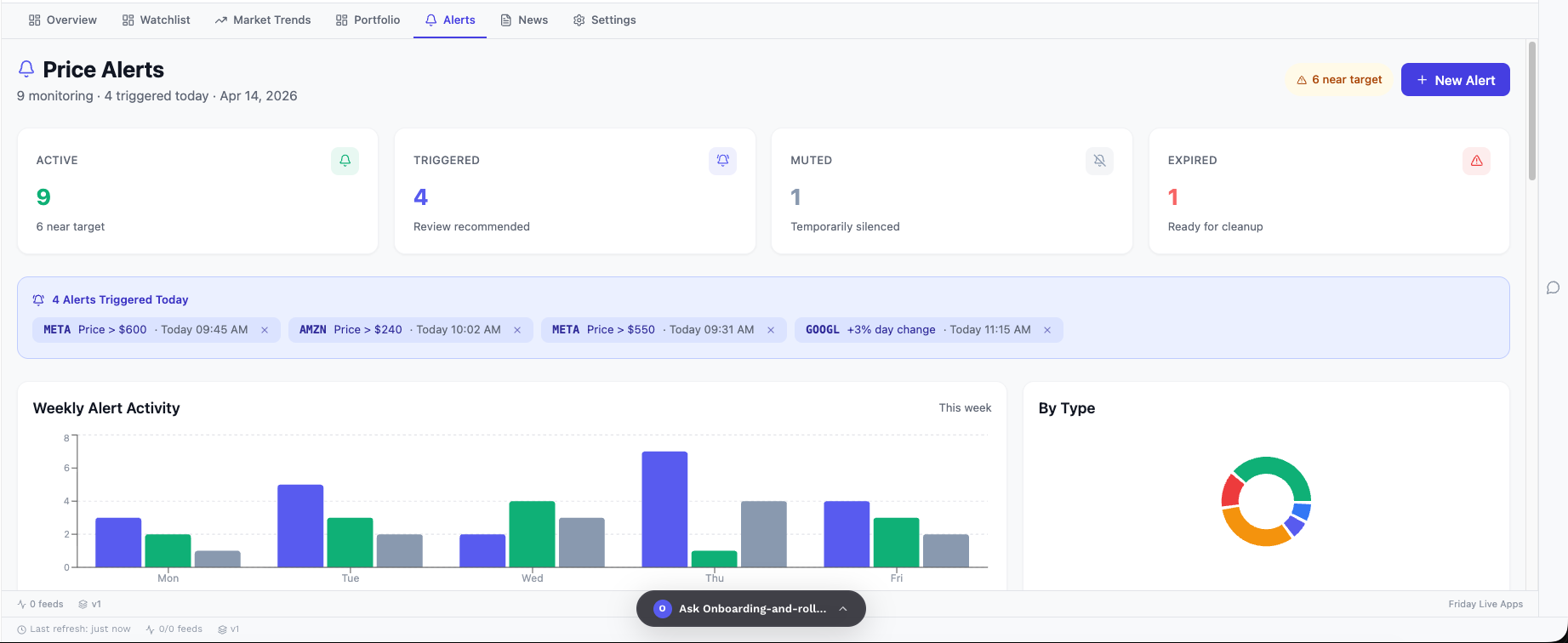
Alerts

Get notified when important market or portfolio signals change.

Stock Analysis Live App dashboard preview

Built for investors

One place to monitor the market with context.

Instead of jumping between market tabs, news pages, alerts, and portfolio notes, investors can use one live app to keep the most important signals organized.

Track watchlist symbols and live data sources
Review trends, portfolio exposure, and alerts
Connect news updates with market movement

Live market dashboard

Bring key market signals, tracked symbols, and trend views together.

News context

Connect market movement with relevant news and investor updates.

Investor preferences

Control data refresh, notifications, sources, and dashboard behavior.

Stock Analysis Components

Everything investors need, organized by workflow

Each tab has a clear purpose: monitor the market, track symbols, understand trends, manage portfolio context, follow alerts, and customize the live investor workspace.

01Overview Live App

See the full market picture in one view

The Overview section gives investors a live snapshot of watchlists, portfolio movement, market signals, alerts, and news context so they can quickly understand what needs attention.

View key market signals in one place
Track watchlist and portfolio context
Spot risk and movement faster
Know where to focus next
Overview Live App
Live View
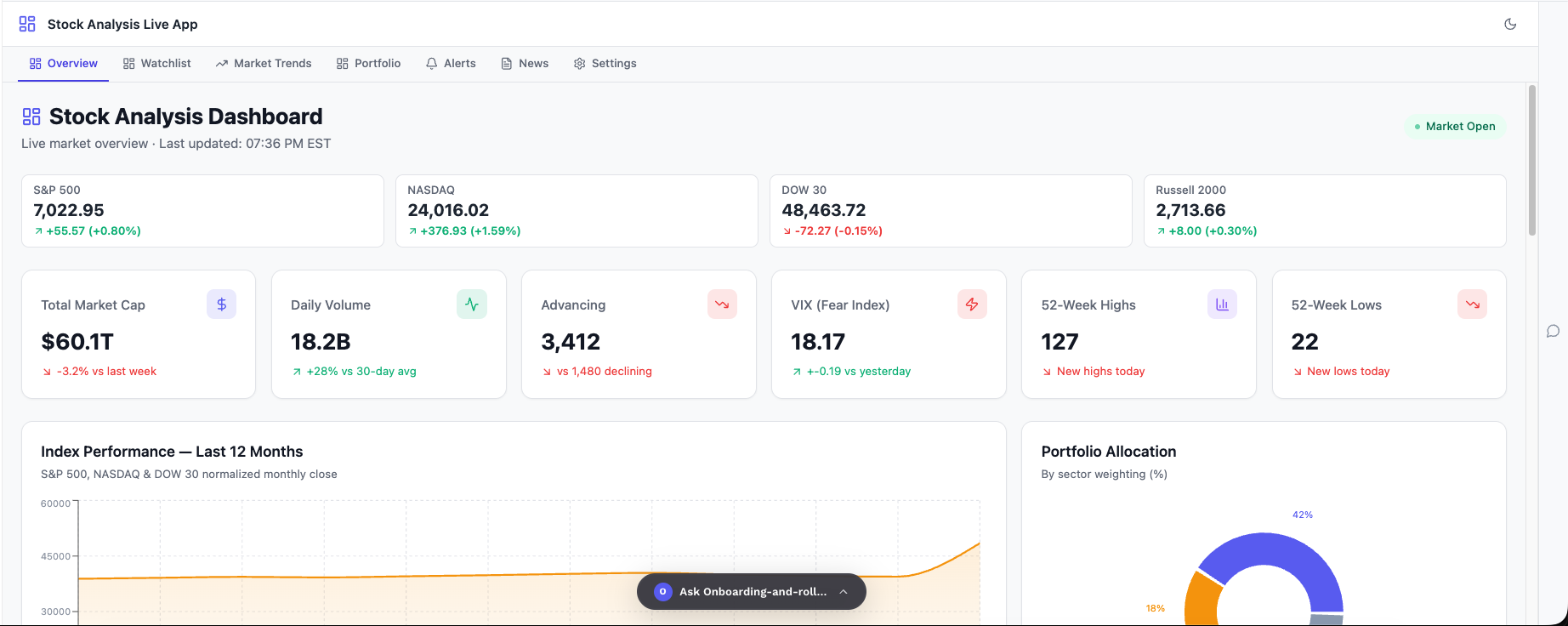
Stock Analysis Overview dashboard
02Watchlist

Track the symbols that matter most

The Watchlist section helps investors follow selected stocks, ETFs, or indexes with live movement, performance context, and quick visibility into changing market behavior.

Monitor selected symbols
Track price and movement changes
Keep favorite stocks organized
Focus only on relevant assets
Watchlist
Live View
Stock Analysis Watchlist dashboard
03Market Trends

Understand market direction before acting

The Market Trends section helps investors see momentum, sector movement, volatility, and broader market direction so they can understand whether the market is strengthening or weakening.

Review sector movement
Understand market momentum
Track volatility and trend signals
Compare broad market behavior
Market Trends
Live View
Stock Analysis Market Trends dashboard
04Portfolio

Connect holdings with performance context

The Portfolio section gives investors a clear view of holdings, exposure, allocation, and performance signals so they can understand how their positions are behaving.

Review holdings and exposure
Track portfolio performance
Understand allocation context
Identify portfolio-level risks
Portfolio
Live View
Stock Analysis Portfolio dashboard
05Alerts

React faster when important signals change

The Alerts section helps investors stay aware of price movement, watchlist changes, volatility events, news triggers, and portfolio signals without manually checking every stock.

Create price alerts
Track watchlist changes
Monitor volatility signals
Get notified on key events
Alerts
Live View
Stock Analysis Alerts dashboard
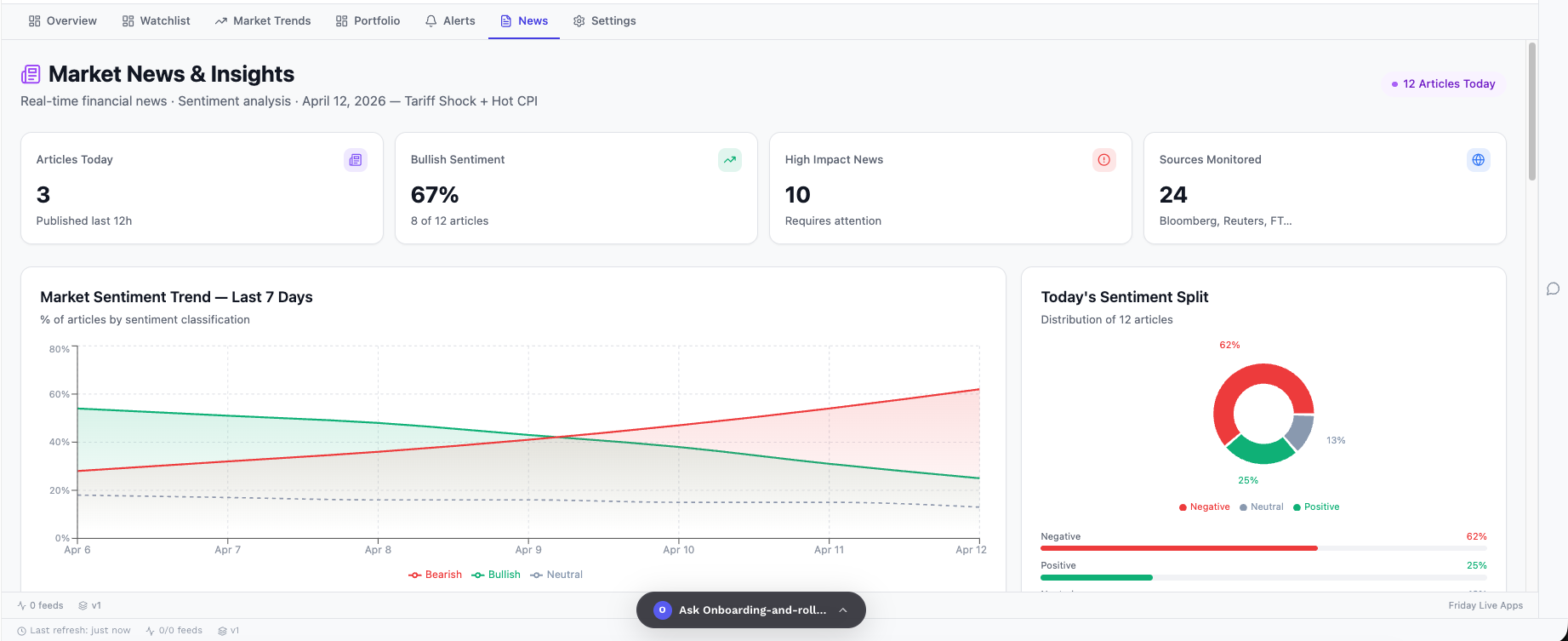
06News

Add market context to every move

The News section connects stock movement with company updates, market headlines, macro events, and investor-relevant stories so users understand why something may be moving.

Follow company updates
Track market headlines
Connect news with movement
Stay informed before decisions
News
Live View
Stock Analysis News dashboard
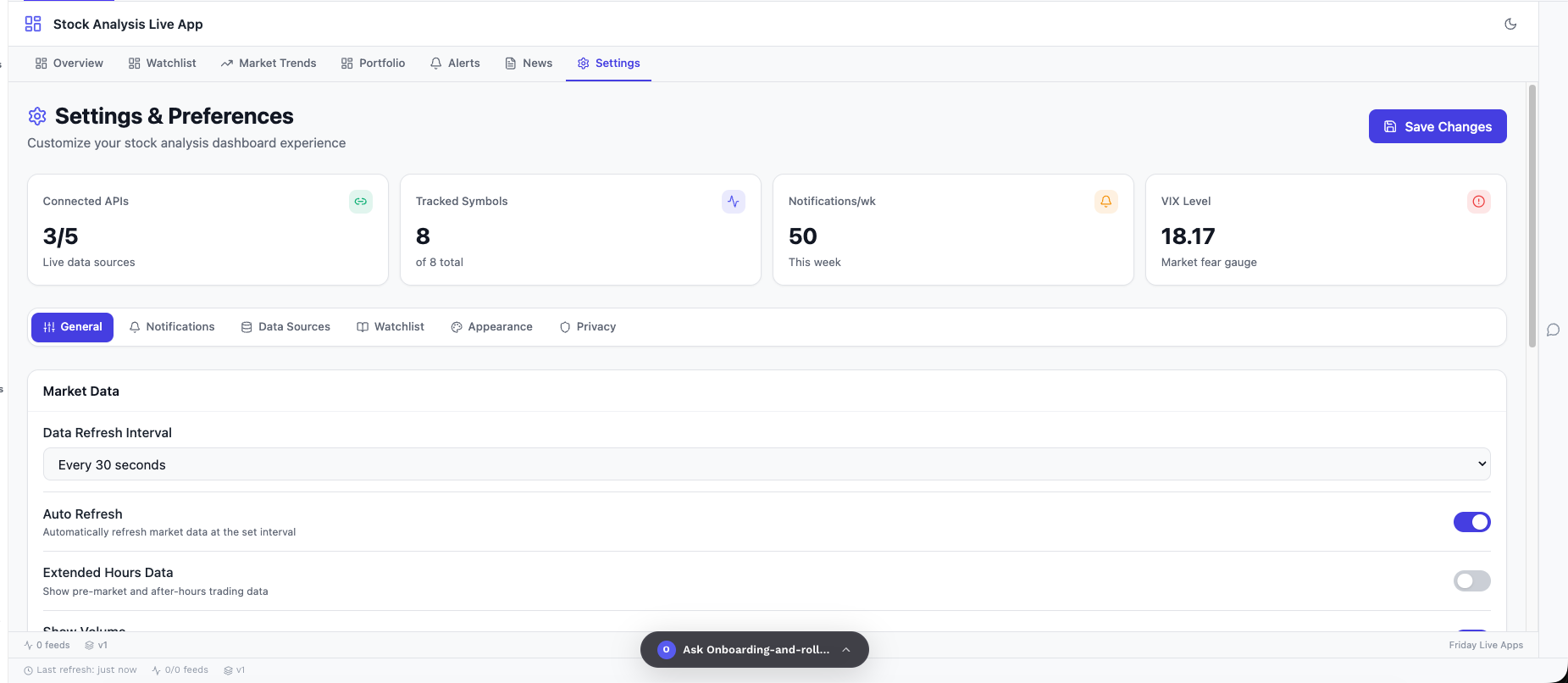
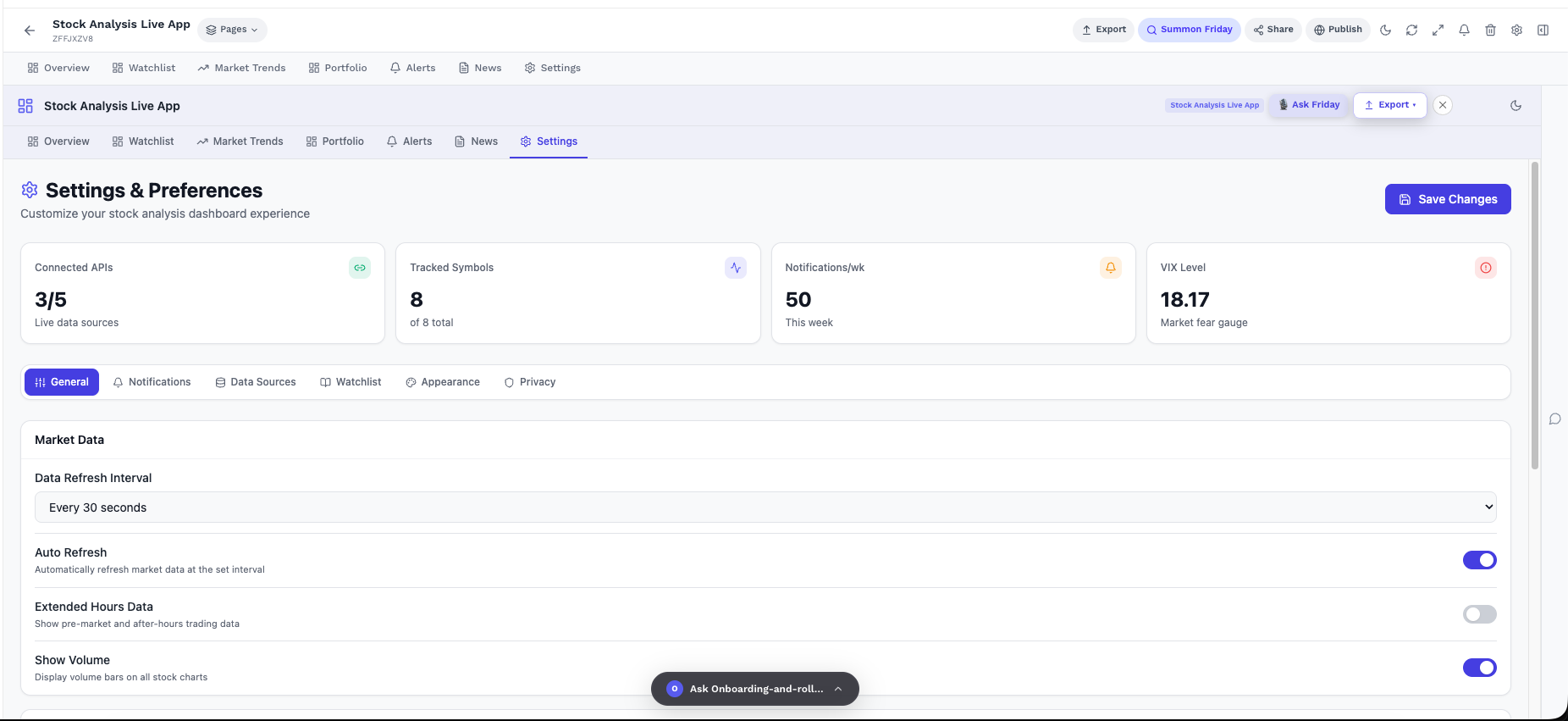
07Settings

Customize the investor workspace

The Settings section lets investors control data refresh, connected APIs, notifications, watchlist preferences, appearance, and privacy so the app fits their workflow.

Set refresh intervals
Manage data sources
Control notifications
Customize dashboard behavior
Settings
Live View
Stock Analysis Settings dashboard