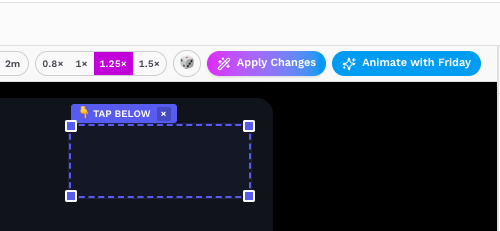
Turn any source into an animated story.
Friday Stories helps users turn YouTube links, websites, documents, media clips, and ideas into editable story videos with AI-assisted planning, timeline editing, text, stickers, voice, and animation tools.
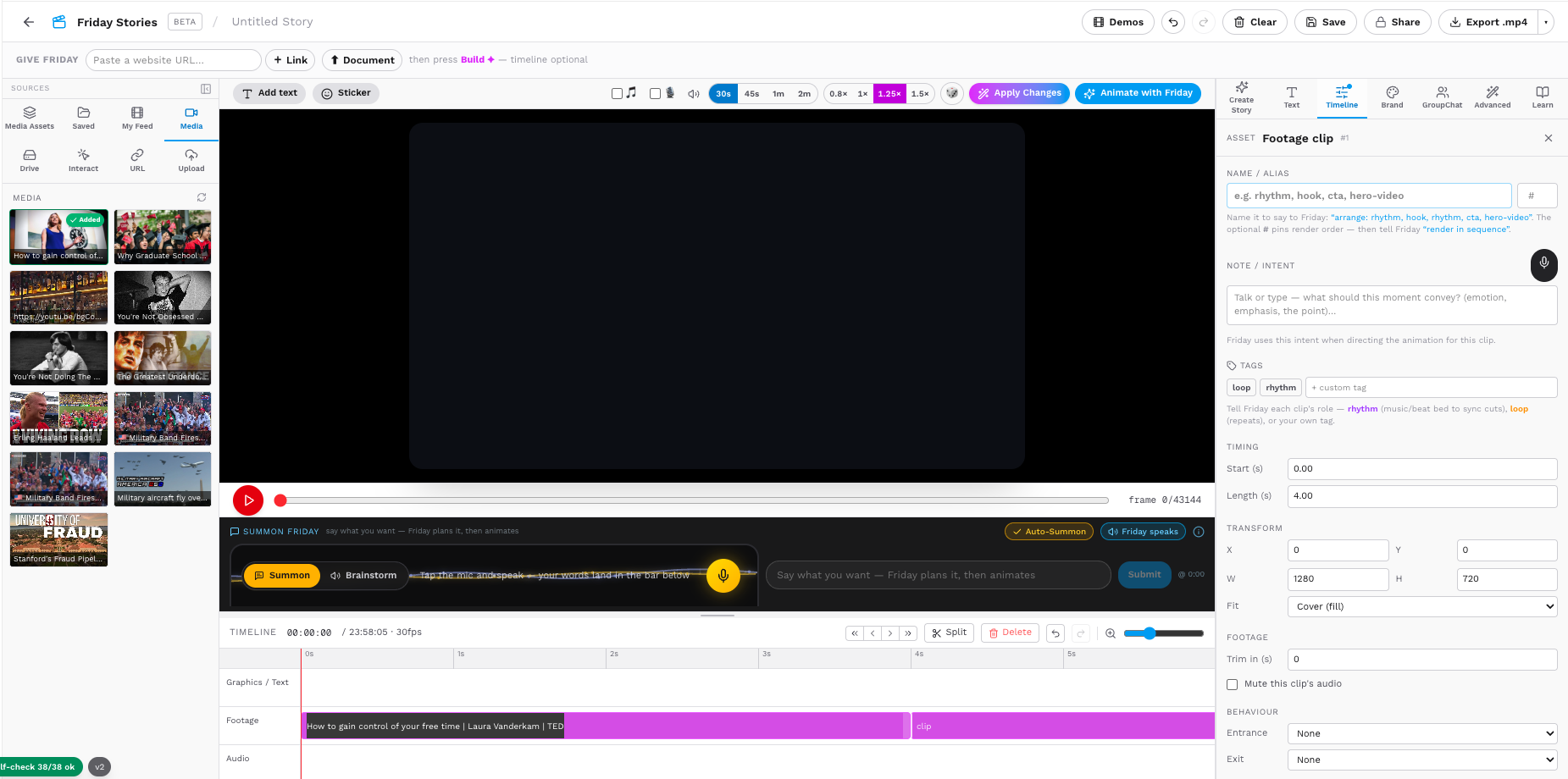
Add source
Paste a website URL, YouTube link, or upload a document to give Friday story context.
Build story
Friday helps plan the story, create scenes, add text, and prepare the animated flow.
Edit visually
Use text, stickers, motion, timeline, brand tools, and media assets in one editor.
Animate
Apply changes and animate the story into a polished video-ready output.
Start every story from a source Friday can understand.
Friday Stories lets users begin with a website URL, YouTube link, document, uploaded file, image, or saved media asset.
Instead of writing everything manually, users can give Friday a source and let the workspace convert that content into a story direction, editable scenes, text, and animation-ready structure.
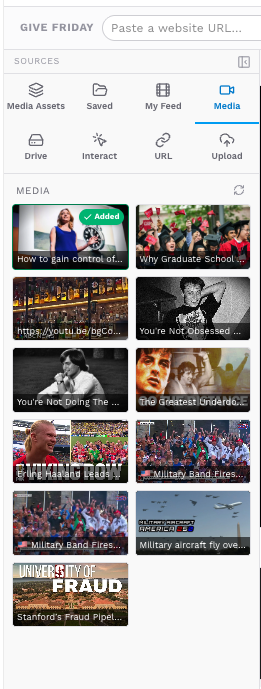
Links and URLs
Users can paste a website link, YouTube link, or media URL for Friday to understand and use.
Documents
Documents can be added as story context so Friday can build a narrative from the source.
Uploads
Videos, images, and supporting media can be uploaded into the story workspace.
Edit the story like a live visual canvas.
Friday Stories gives users a visual editing workspace where they can add text, stickers, motion effects, and story callouts directly on top of the video.
The right-side Text panel keeps every added text line editable, so users can update captions, titles, prompts, and CTAs without hunting through the timeline.
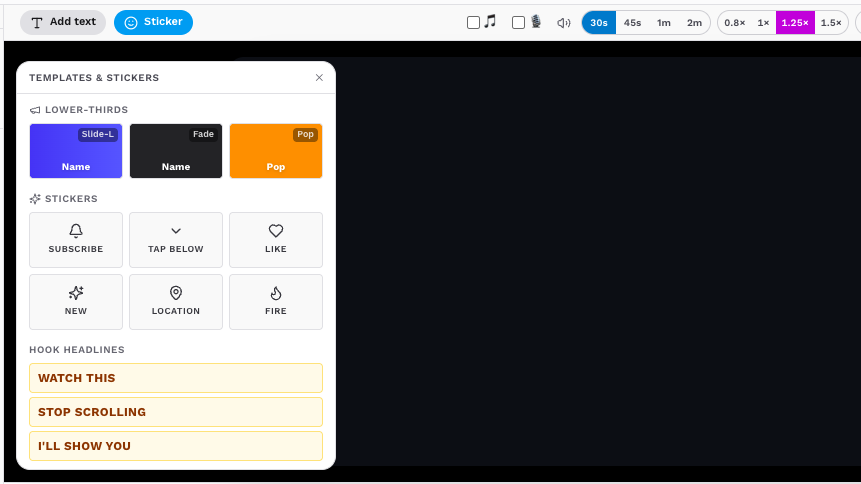
Text overlays
Users can add titles, captions, CTAs, labels, and callouts directly on the story canvas.
Stickers
Visual stickers help make stories more expressive, social-ready, and easier to understand.
Line-by-line editing
The right panel lets users edit each added text line without searching through the timeline.
Control every second of the story timeline.
Friday Stories gives users a timeline where they can see how the complete story is built across text, footage, notes, and audio layers.
Users can move the playhead, split clips, delete unwanted sections, adjust timing, and organize each story element before applying changes or animating with Friday.
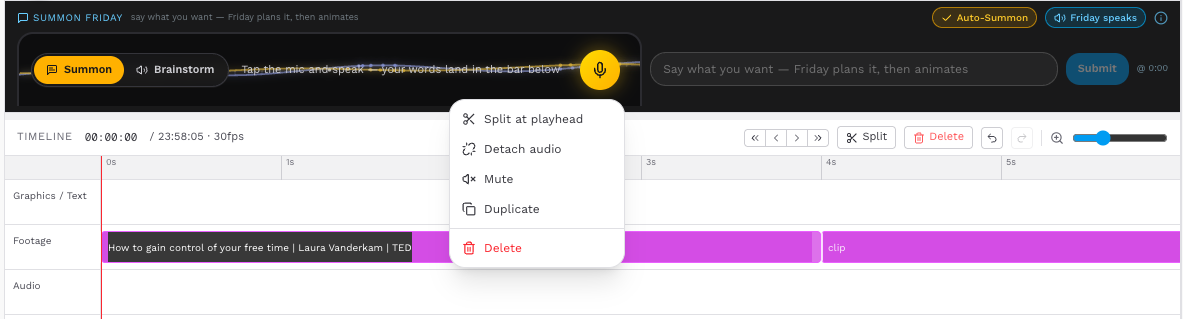
Layered timeline
Text, graphics, footage appear as separate layers so the story is easier to manage.
Clip control
Users can split sections, remove unwanted parts, and adjust where each story element appears.
Precise timing
The playhead and time markers help users edit the story at the exact second.
Ask Friday to plan, improve, and animate the story.
Friday Stories includes a built-in Summon Friday bar where users can ask Friday what they want to create while staying inside the editor.
Users can type an instruction, brainstorm ideas, or tap the microphone and speak. Friday can then help plan the story, suggest changes, and prepare the animation flow.
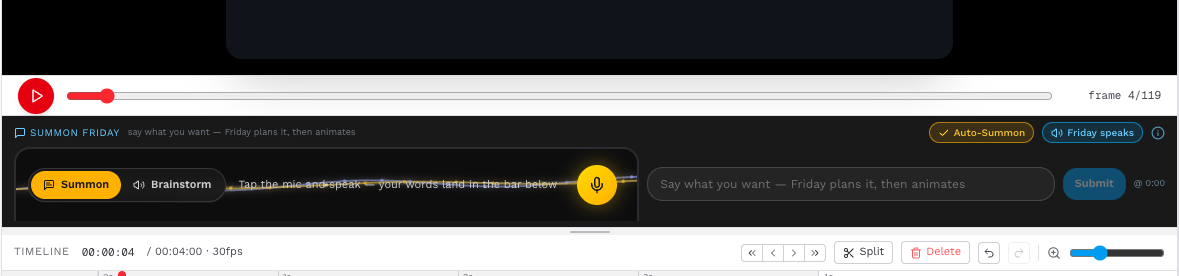
Voice input
Users can speak their idea instead of typing, making the story creation flow faster.
Give Friday the plot, then turn it into a structured story.
Friday Stories includes a Create Story panel where users can guide the story direction before animation. They can choose a format, write plot notes, and ask Friday to draft the story.
This helps users move from a rough idea to a clear story flow with intro text, captions, storyboard structure, on-screen copy, and a final call-to-action.
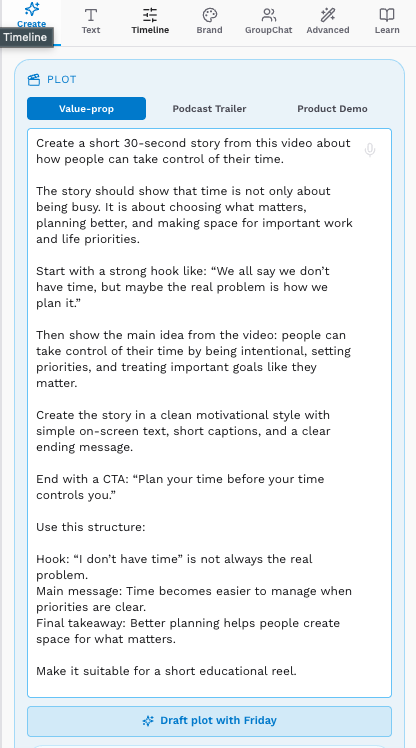
Value-prop story
Turn a product, idea, or source into a clear value-driven story that explains why it matters.
Podcast trailer
Transform long conversations or clips into a short trailer with hooks, highlights, and audience interest.
Product demo
Create a demo-style story that explains a product, feature, workflow, or customer use case.
Turn the edited story into a finished animated flow.
After the user adds sources, edits text, adjusts the timeline, writes plot notes, and reviews the story direction, Friday Stories lets them apply those changes and animate the final story.
This step brings together the whole workflow: the source content, storyboard, on-screen text, visual layers, timing, and AI-guided story structure.