Friday Storyboard
Turn ideas into structured story workflows
Plan, organize, and review stories through a visual workspace that helps teams move from concept to execution with clarity.
Storyboard Progress
Watch work move from brief → execution → review → done — live.
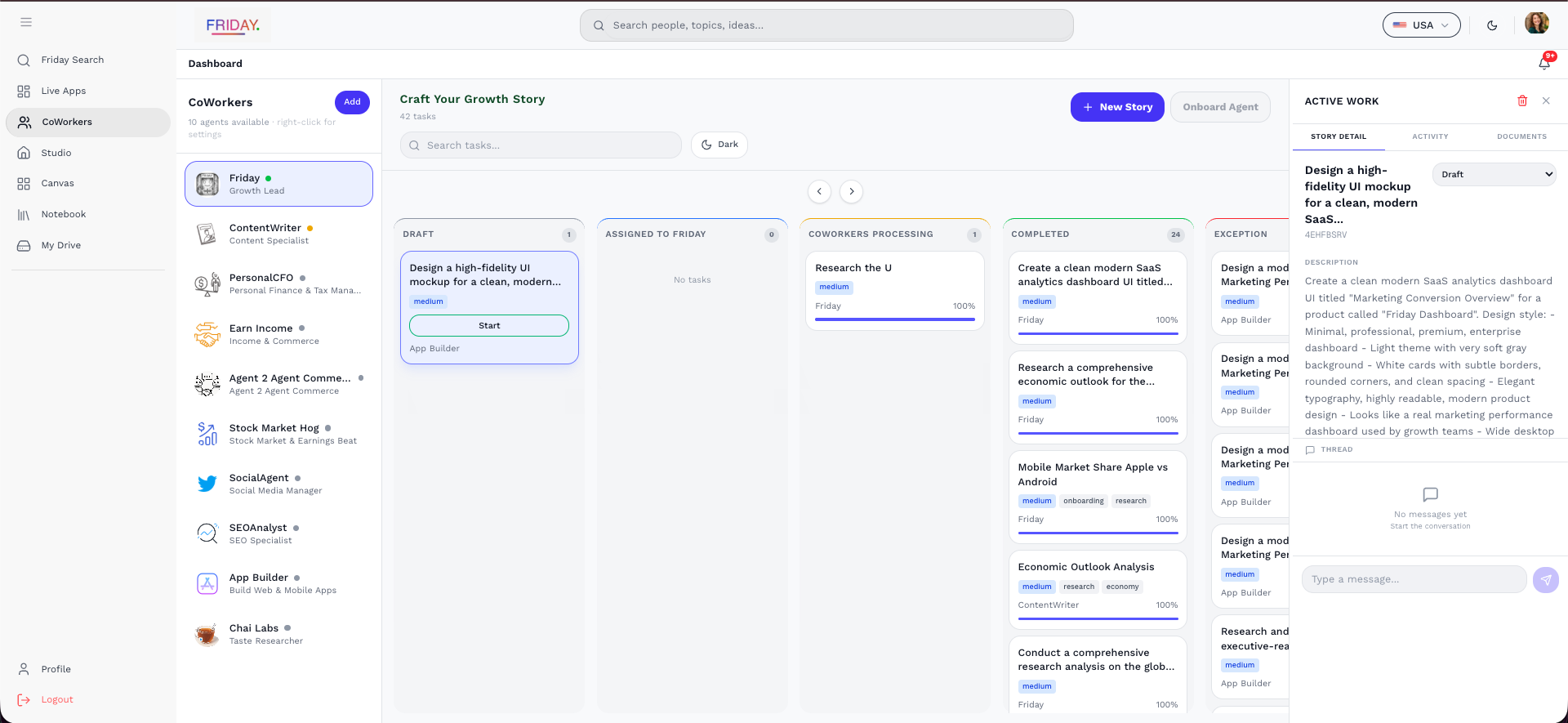
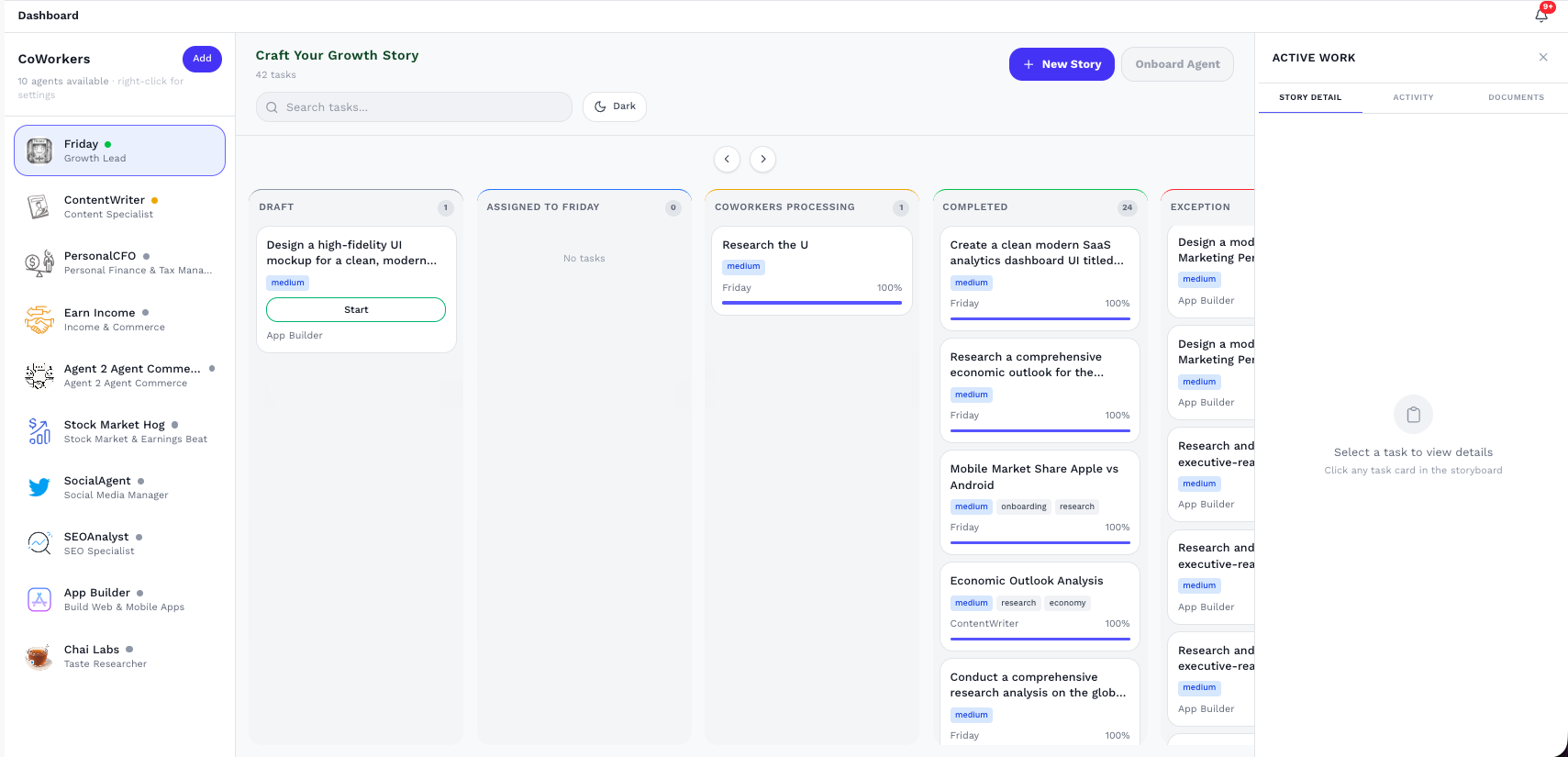
Your Storyboard is the live control room for growth execution. Stories move automatically as agents work — from Pending to In Progress, Review, and Completed. See what’s moving, who owns it, what’s blocked, and what’s done — instantly.
Live status tracking — Pending, In Progress, Review, Completed
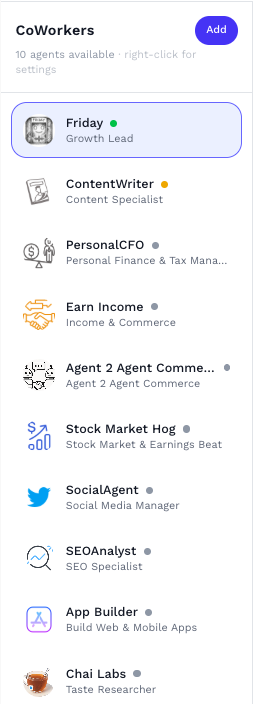
Agent ownership — Friday, SEOAnalyst, ContentWriter, SocialAgent
Progress that updates — Real work, not manual checklists
Active Work Panel
Review the selected story in one focused workspace
The Active Work panel gives users a detailed view of the currently selected story, including its task context, status, description, and discussion area.
Story Detail Tab
Shows the selected task title, identifier, and full task details.
Status Visibility
The status dropdown helps users quickly understand the current workflow stage of the story.
Description and Context
The description captures the exact instructions and context for the task being executed.
Thread and Collaboration
The thread area supports updates and discussion related to the selected story.
Activity Timeline
Follow story progress through real-time execution updates
The Activity tab shows a running timeline of everything happening inside a selected story. Instead of checking the board alone, users can open this view and understand how the task is progressing, which coworker is responding, and when deliverables are uploaded.
Chronological Progress
Each message appears in sequence, making it easy to understand how the story moved from initial setup to active execution and completion.
CoWorker Updates
Users can see responses from the assigned coworker as work progresses. This provides visibility into what the system is doing without leaving the dashboard.
Deliverable Confirmation
Completion states and uploaded deliverables are surfaced directly in the timeline, helping users quickly verify when outputs are ready for review.
Live Collaboration
The chat input at the bottom supports follow-up communication, allowing users to continue the conversation or provide more guidance while the story is in motion.
Documents Tab
Access final outputs and open generated files instantly
The Documents tab gives users direct access to the files generated for a selected story. Once a task is completed, the final output appears here so users can quickly review, open, and manage the result without leaving the dashboard.
Generated File Visibility
The tab lists the output file created for the story, making it easy for users to confirm that the deliverable has been produced successfully.
Quick Access Actions
Users can open the generated app directly or navigate to the related Drive location. These actions reduce friction and make it faster to review outputs immediately.
Output Review
By surfacing the final file inside the same workspace, the dashboard helps users move smoothly from execution tracking to output validation and review.
End-to-End Workflow Completion
The Documents tab completes the workflow by connecting story progress with the final deliverable, ensuring users can go from idea to finished output in one connected interface.