Discover, analyze, and
create inside Friday Studio
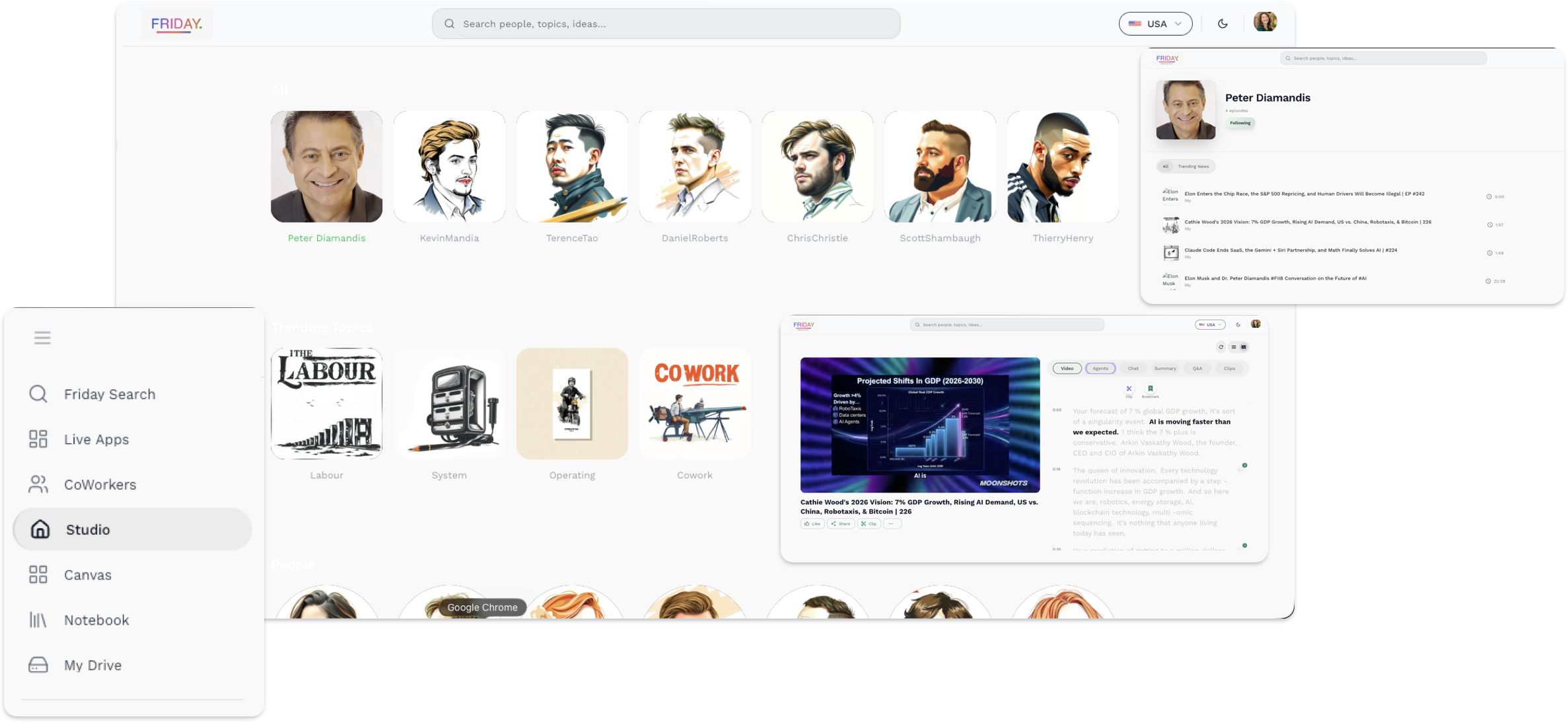
Explore people and topics, watch content, use AI modes, and turn insights into structured output from one connected workspace.
Friday Studio brings discovery, viewing, clipping, chat, summary, Q&A, and workflow tools into a single experience so ideas move faster from exploration to action.
Friday Studio Preview
Watch, clip, and
save from video
Video mode turns viewing into an active workspace.
Watch content, follow timestamped transcript context, create clips, bookmark important moments, and continue into Agents, Chat, Summary, and Q&A.
Clip moments
Capture important parts of the video for later use.
Bookmark insights
Save valuable ideas without breaking your flow.
Read with timestamps
Follow the transcript and jump to key moments quickly.
Continue in Studio
Move directly into deeper analysis across Studio tabs.
Friday Studio Video Preview
Friday Studio Agents Preview
Get key insights
from content
Agents mode helps you understand faster.
It highlights key ideas, explains important moments, and helps you go deeper without losing context.
Key insights
Pull out what matters most.
Clear explanations
Break down complex ideas.
Highlight moments
Surface important points quickly.
Next steps
Guide deeper exploration.
Ask, explore, and
understand faster
Chat mode turns questions into clear answers.
Ask about moments in the video, follow the context, and keep the conversation moving without breaking your flow.
Ask anything
Get answers while staying in context.
Better clarity
Understand complex points more easily.
Follow the context
Stay connected to the video and transcript.
Go deeper
Continue with smart follow-up questions.
Friday Studio Chat Preview
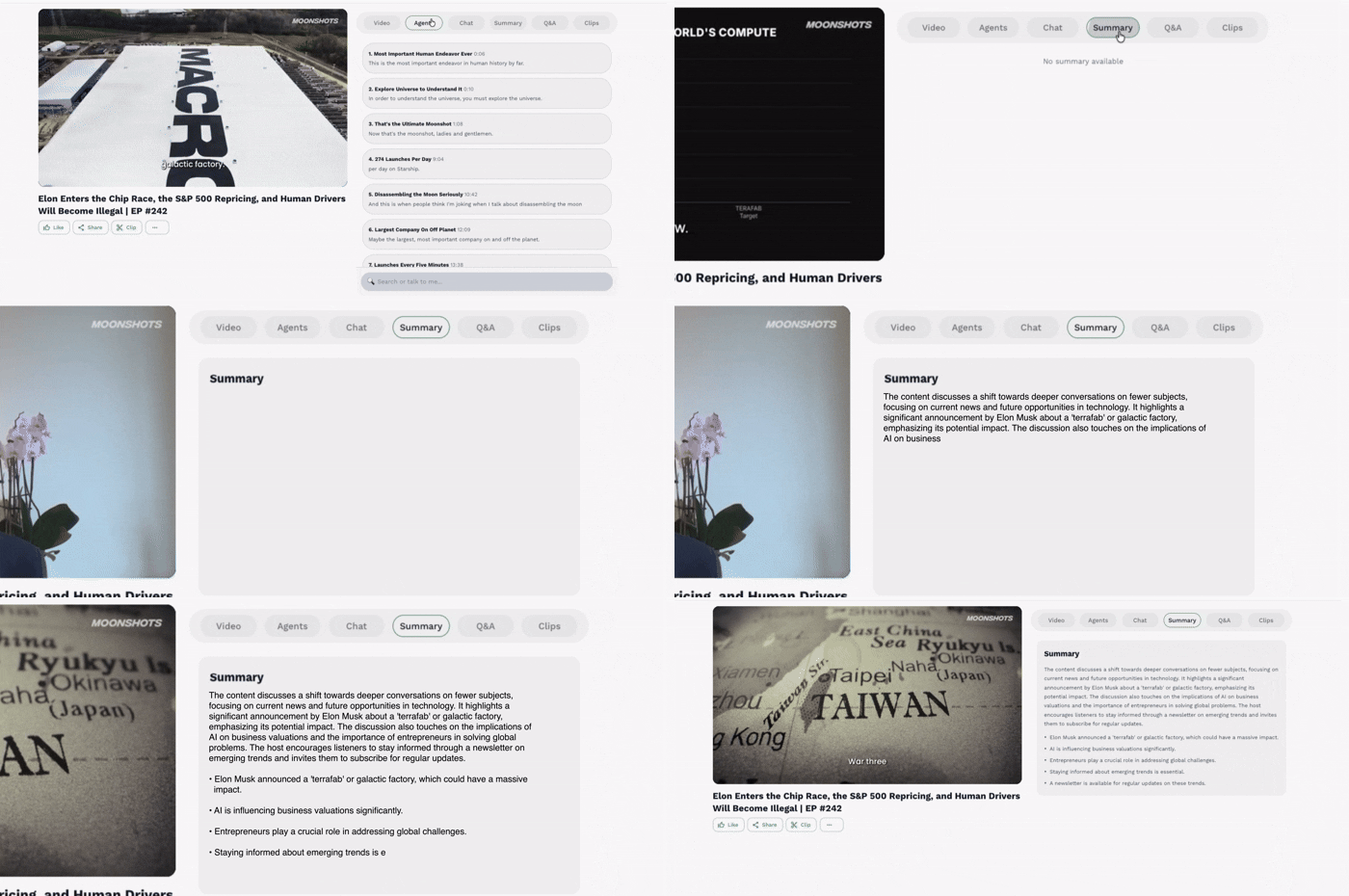
Friday Studio Summary Preview
Get the full picture
at a glance
Summary mode turns long content into clear takeaways.
Review the key ideas, important points, and overall context quickly so you can understand more in less time.
Main ideas
Capture what matters most.
Faster review
Understand long content more quickly.
Clear structure
See the discussion in an organized way.
Easy recall
Come back to important points anytime.
Explore questions
and answers faster
Q&A mode organizes the questions that matter most.
Scan important questions, review concise answers, and move through content with more clarity and less effort.
Key questions
See the most relevant questions instantly.
Fast answers
Review answers without losing your place.
Better discovery
Uncover insights through structured prompts.
Easy navigation
Move quickly between topics and answers.
Friday Studio Q&A Preview
Create clips and
share them anywhere
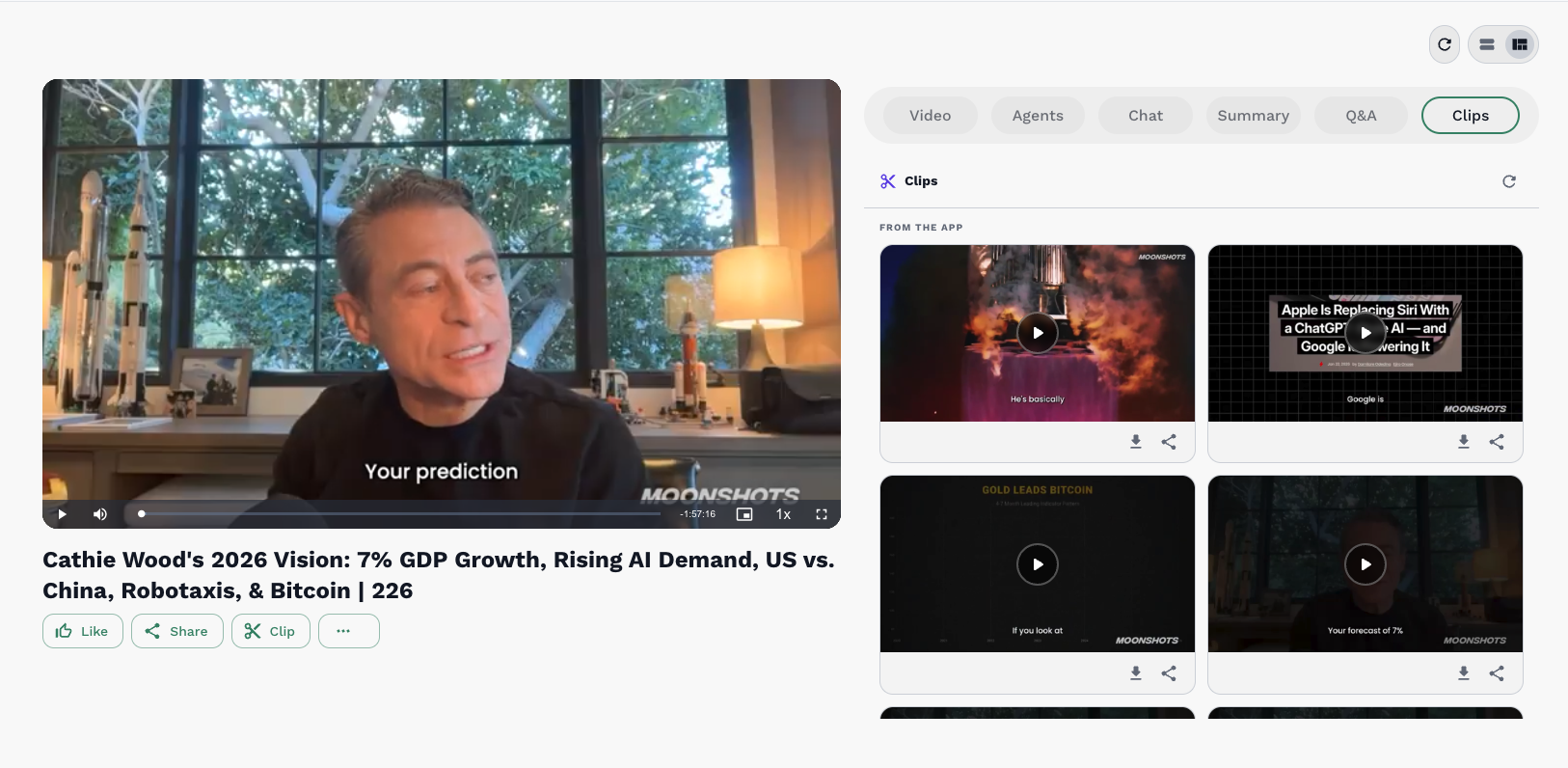
Clip mode helps you turn key moments into shareable assets.
Capture standout moments, download polished clips, and share them quickly across teams, socials, and campaigns.
Create clips
Turn important moments into short, reusable content.
Download instantly
Save finished clips for fast publishing and reuse.
Share anywhere
Send clips to your team or publish across channels.
Reuse moments
Keep your best content ready for future campaigns.
Friday Studio Clips Preview